SSOGEN / Oracle HTTP Server SSO and Apache single sign-on
Integration
Oracle HTTP Server SSO and Apache single sign-on
The ohs or apache tool adds SSOGEN sign-in to every application behind Oracle HTTP Server 11g, 12c, 14c or Apache 2.2 and 2.4, with no code change.
What you get
What you need
- Oracle HTTP Server: shell access as the user that owns the OHS instance (often
oracle), withORACLE_HOMEset. OHS 11g with OPMN and OHS 12c or 14c with a node manager are both handled. - Apache: shell access as root, or as the owner of the Apache configuration. Apache 2.2 and 2.4 are both handled.
- The package
ssogen-ohs-<version>-<date>.ziporssogen-apache-<version>-<date>.zipfrom SSOGEN. - The application registered in SSOGEN, and its client ID and agent key.
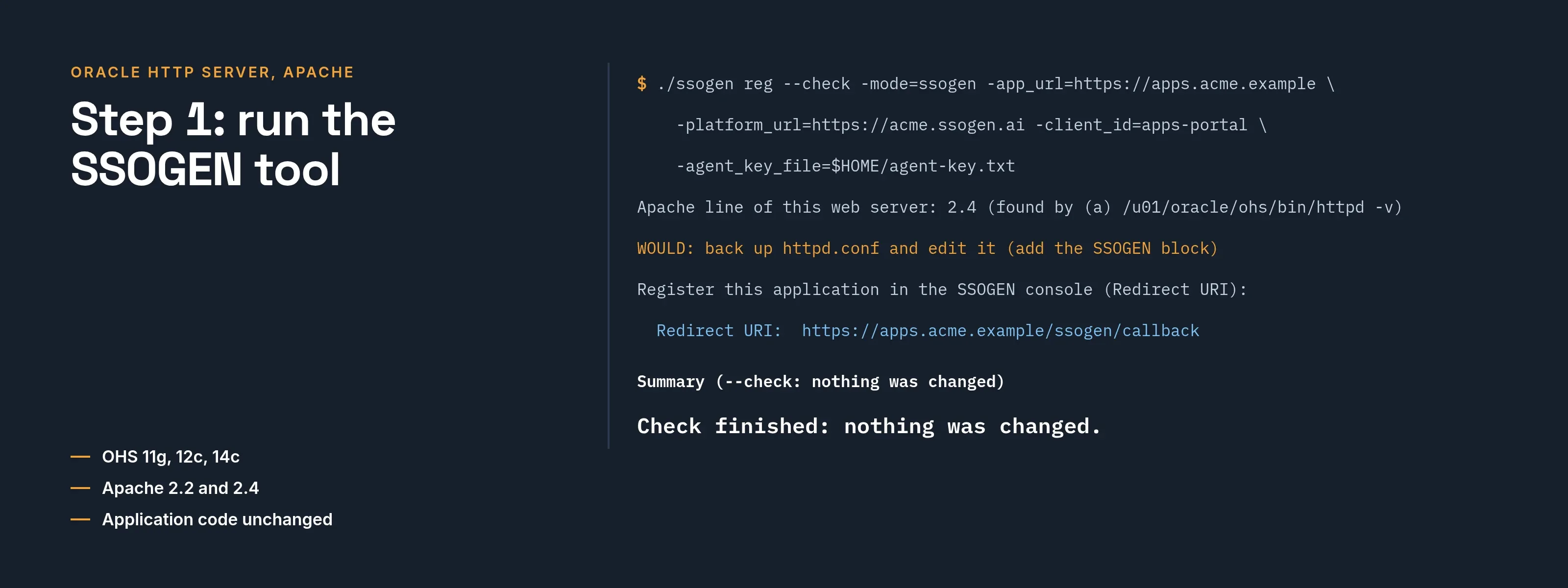
Step 1: run the SSOGEN tool
After checking the package.
Oracle HTTP Server:
./ssogen reg --check -mode=ssogen -app_url=https://apps.acme.example -platform_url=https://acme.ssogen.ai -client_id=<client ID> -agent_key_file=$HOME/agent-key.txt./ssogen reg -mode=ssogen -app_url=https://apps.acme.example -platform_url=https://acme.ssogen.ai -client_id=<client ID> -agent_key_file=$HOME/agent-key.txt- The tool finds the OHS component folder (the one with
httpd.conf). Name it with-ohs_config_home=DIRwhen it finds none or several, and the Oracle home with-oracle_home=DIR. - The whole site is protected by default.
-protect_path=/app1,/app2protects only those paths.
Apache:
./ssogen reg --check -mode=ssogen -app_url=https://apps.acme.example -platform_url=https://acme.ssogen.ai -client_id=<client ID> -agent_key_file=$HOME/agent-key.txt -protect_path=/./ssogen reg -mode=ssogen -app_url=https://apps.acme.example -platform_url=https://acme.ssogen.ai -client_id=<client ID> -agent_key_file=$HOME/agent-key.txt -protect_path=/- Without
-protect_paththe tool protects/protected/. Give/for the whole site, or a comma list of paths. - The tool writes a
conf.ddrop-in where the server has one, otherwise one marked block inhttpd.conf.
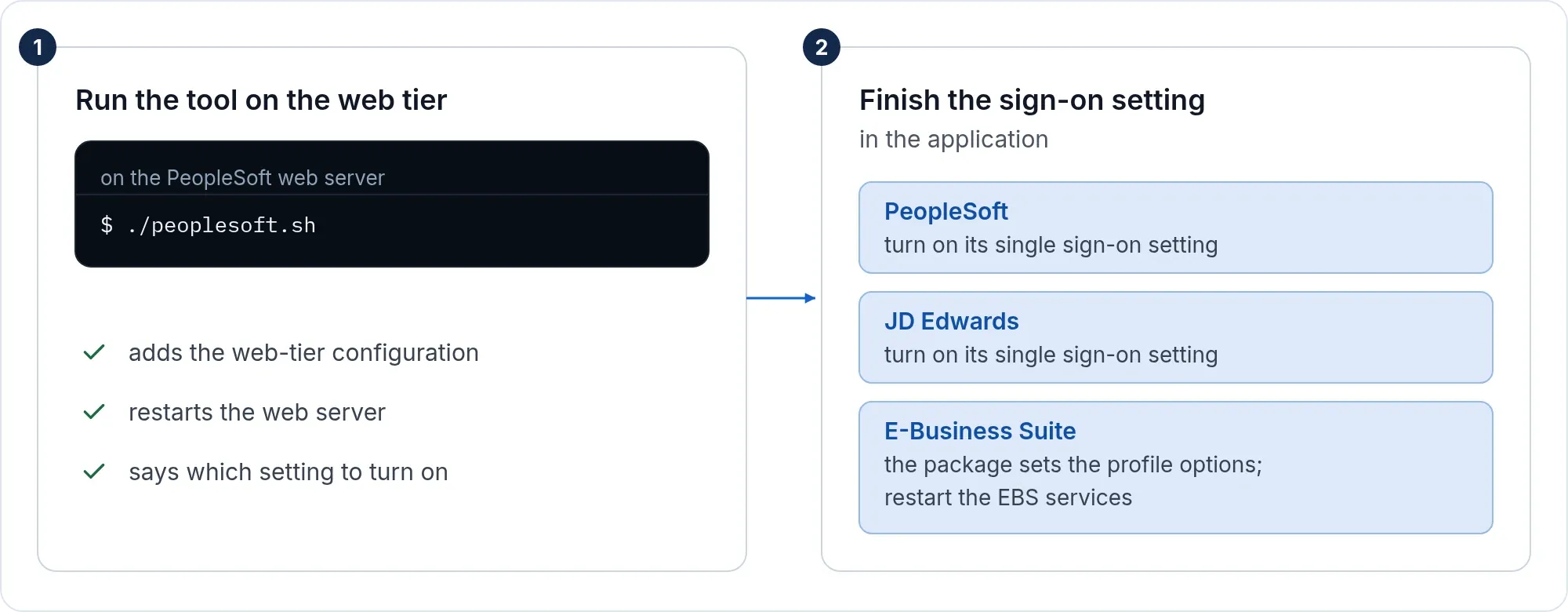
On both, the tool backs up every file it changes and installs the Web Agent for the Apache line your server reports. It does not restart the server: it prints the configuration test to run first and the restart command. -restart lets the tool restart it for you. Run it on every web server behind the same address.
Step 2: finish the setting in the application
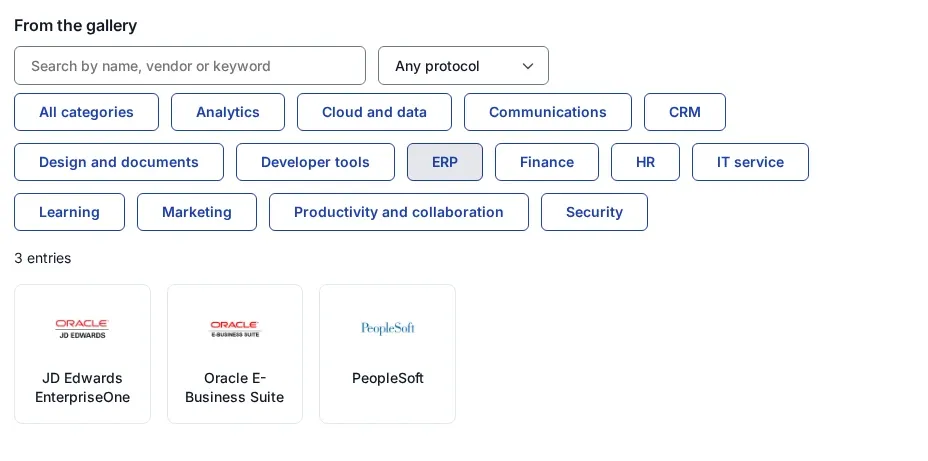
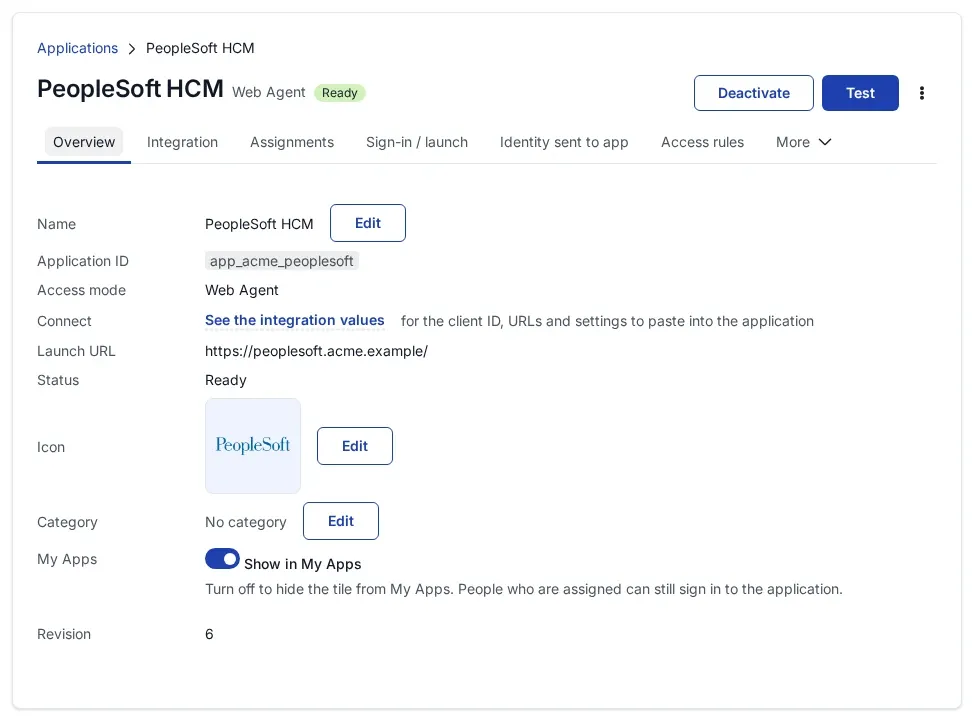
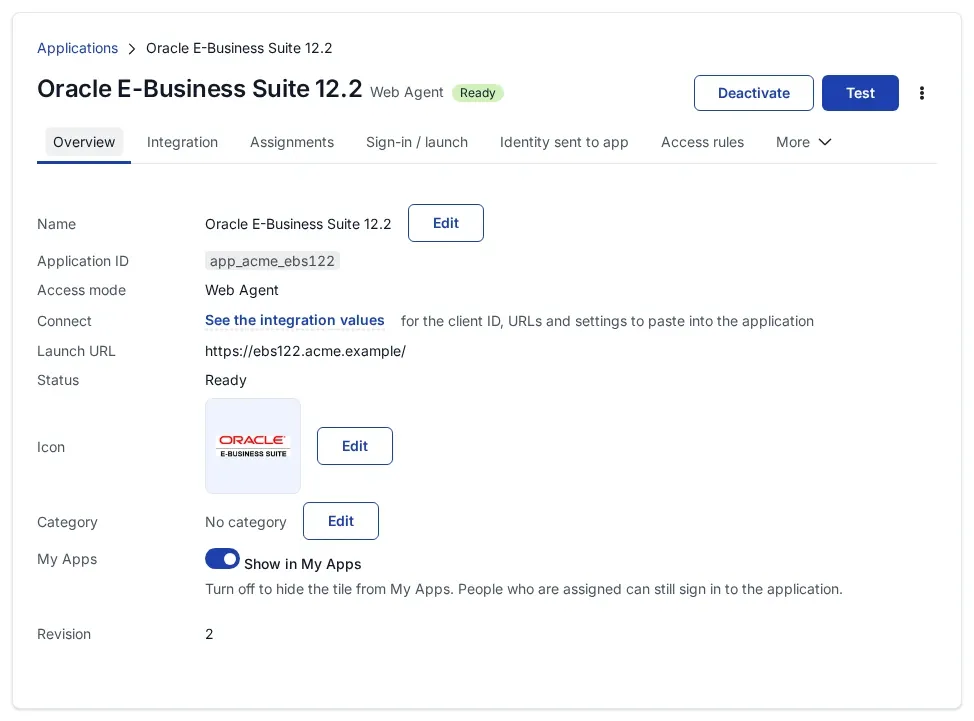
The application has to take the user from the web server in front of it instead of asking for a password. Most applications have a setting for this, often called web server or container authentication; turn it on in the application. E-Business Suite, PeopleSoft and JD Edwards have their own setting, described on their pages.
- User name. The application receives the identity chosen under Identify the person by in SSOGEN. Pick the value the application knows its users by.
- Case. The
ohstool sends the user name in capitals. Theapachetool sends it as SSOGEN sends it;-app_type=Oracleswitches an Apache install to capitals. - Direct route. Let only the web server reach the application’s own port, with a firewall or network rule.
Step 3: sign in and check
- In a private browser window open a protected address. You are sent to sign in.
- Sign in. The application opens as you.
- Open a path you left unprotected. It opens without sign-in.
Sign-out
The Web Agent’s sign-out address is https://<application address>/ssogen/logout. Point the application’s own sign-out link at it if the application allows that. For shared computers, see sign-out.
For SAML or OpenID Connect straight to your identity provider, run reg with -mode=saml or -mode=oidc and a license key (-ssogen_license_file=FILE keeps it off the command line), as on the EBS 12.2 page. The metadata file is ohs-idp.xml or apache-idp.xml in the ssogen folder.
If it does not work
| Symptom | What to do |
|---|---|
Apache line not found |
Give it with -apache=2.2 or -apache=2.4. |
| OHS: more than one component found | Choose one with -ohs_component=NAME. |
| Not allowed to write the configuration | Run as the owner of the web server configuration (root for a stock Apache, the OHS instance owner for OHS). |
SSOGEN mode, the server logs no signing keys on an SELinux host |
The web server may not open outbound connections. Allow them with setsebool -P httpd_can_network_connect 1. |
| The server does not start after a SAML setup | The configuration names a metadata file that is not there. Save the file, or put the # back on that line. |