SSOGEN / Trust center: security at SSOGEN
SSOGEN
Trust center: security at SSOGEN
Seven product principles, a build ID in every release, and separated data for every organization, so a security review starts from facts.
A SOC 2 audit is under way.
The purpose of this trust center is to give a security review one starting point: the principles built into the product, how to confirm which release you run, where your data lives, and how to report a weakness.
Security principles in the product
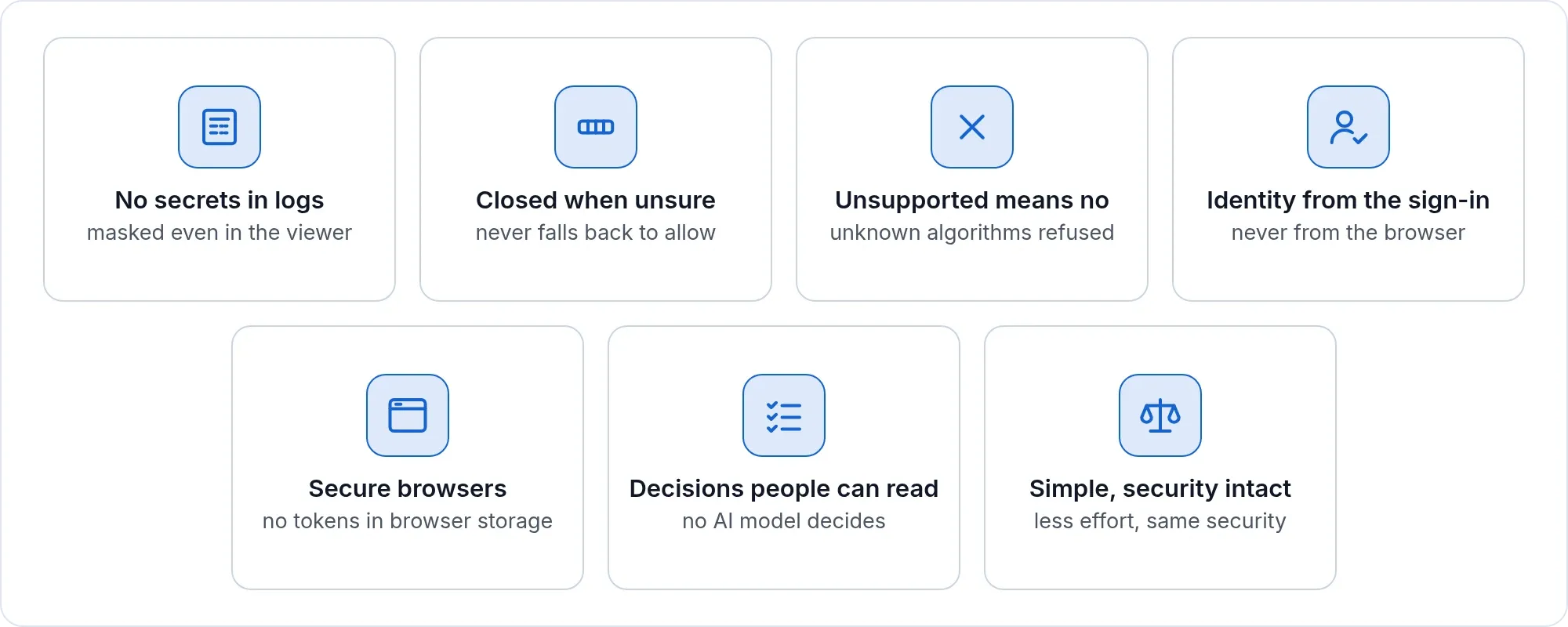
- No secrets in logs. Passwords, one-time codes, recovery codes, tokens, cookies and private keys are kept out of logs by design, and the console’s log viewer masks such values even if one reached a log file.
- Closed when unsure. A sign-in or an access decision that cannot be checked is refused. Authentication never falls back to “allow”.
- Unsupported means no. Tokens and assertions that use an algorithm we do not support are rejected, and every token and assertion is checked for replay, audience, issuer and time.
- Identity comes from the sign-in. Applications behind SSOGEN receive the identity from SSOGEN’s own sign-in, never one a browser supplied.
- Strict in the browser. Strict origin and request checks, no permissive cross-origin settings, no tokens in browser storage, no third-party scripts or fonts.
- Decisions people can read. Access is decided by rules your administrators wrote. No AI model makes or changes an access decision.
For the product-level detail behind these principles, see identity security.
Know what is running
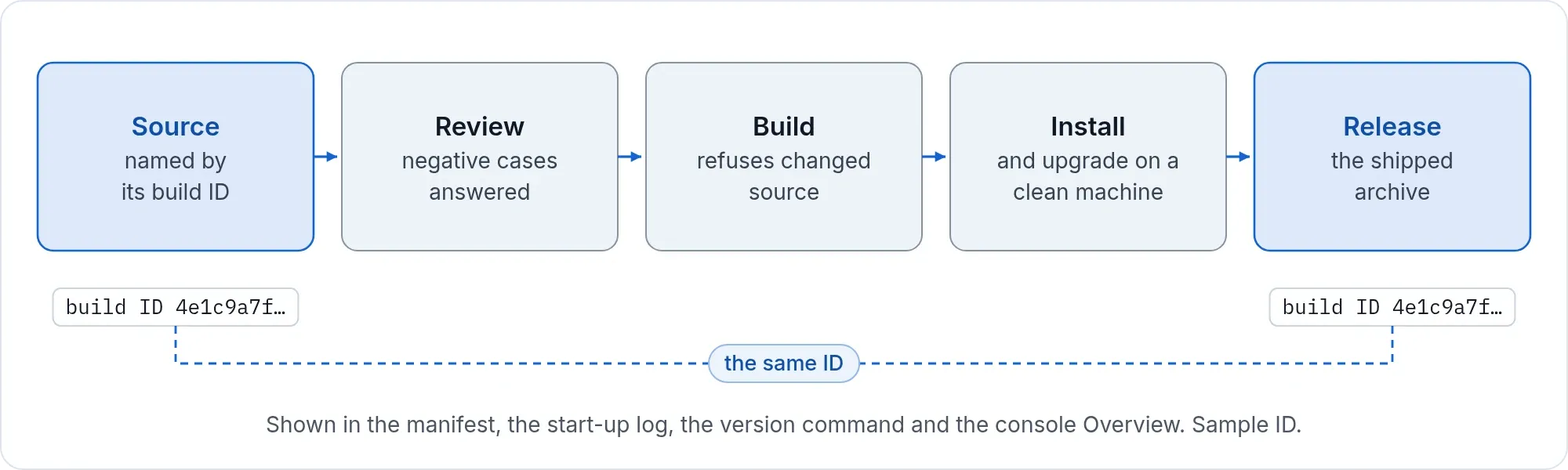
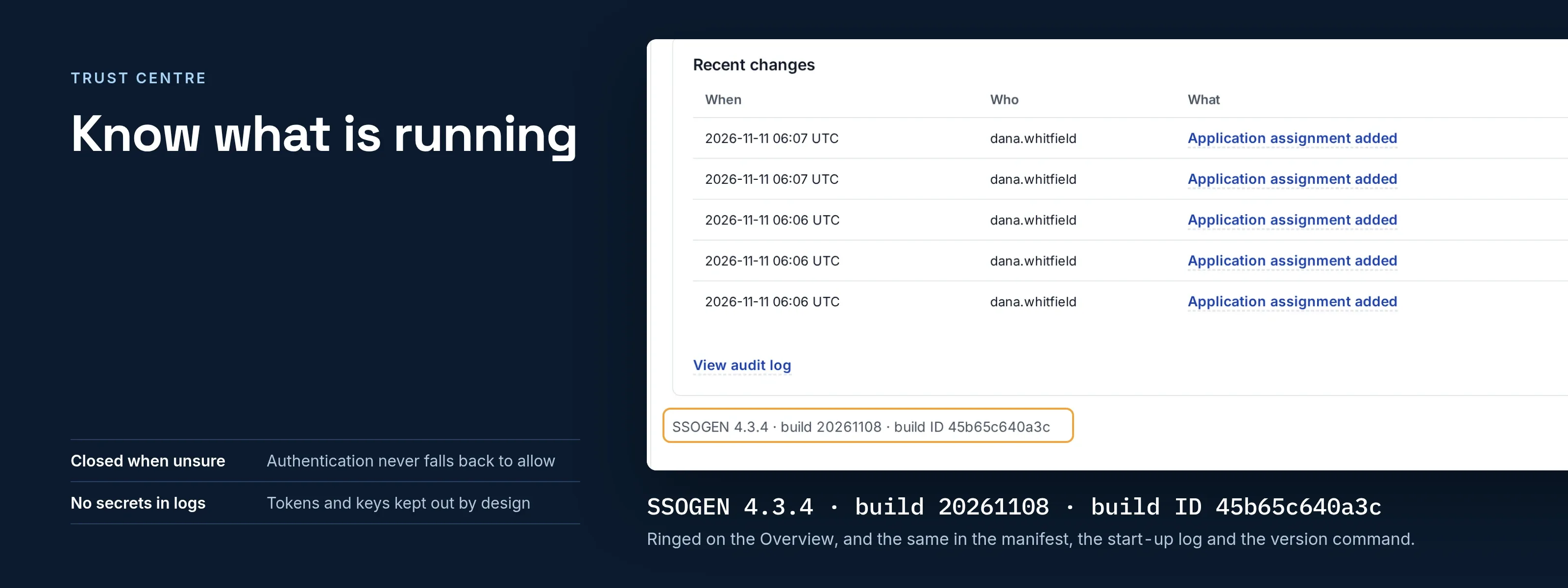
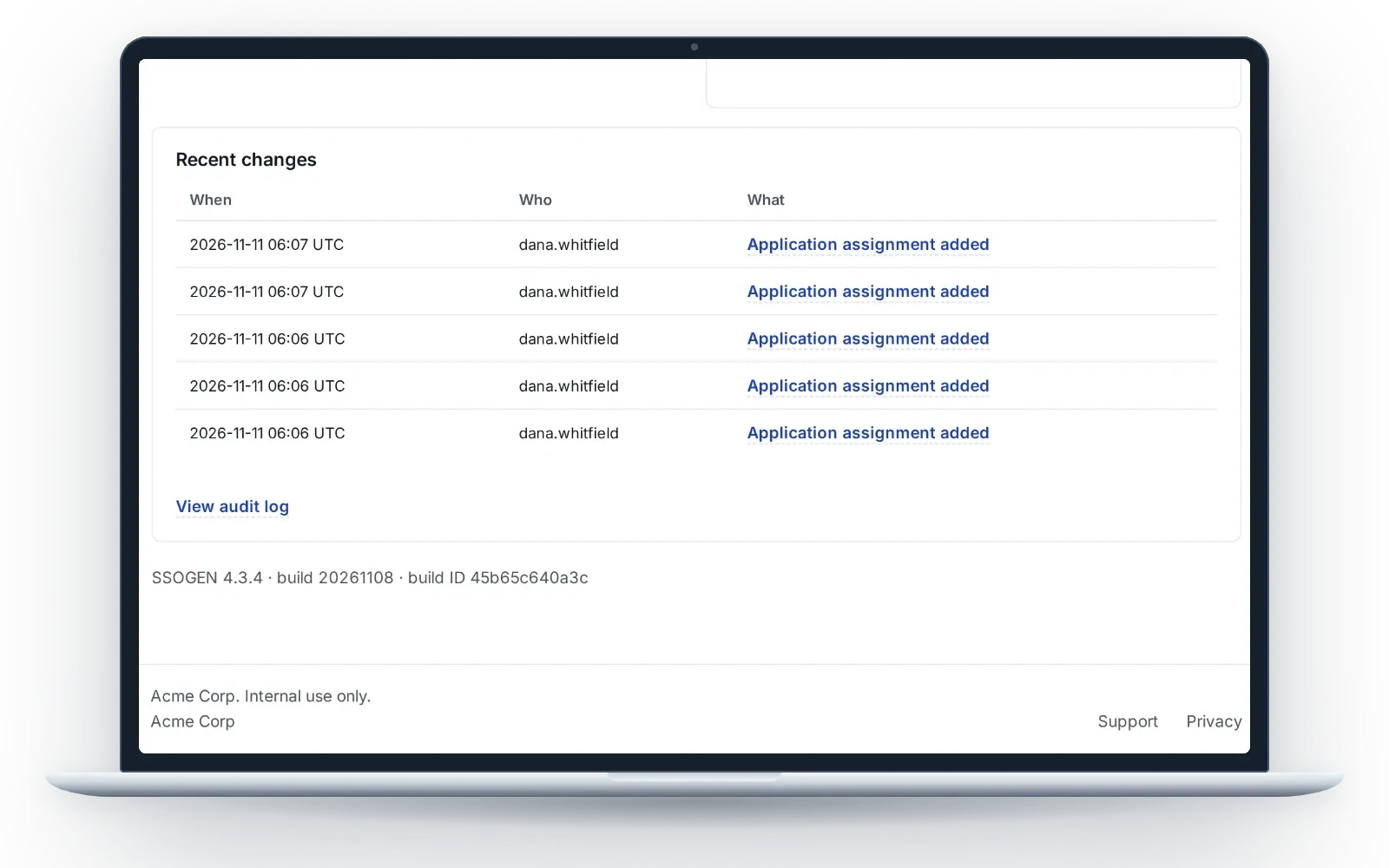
Every release carries a build ID. It appears in the archive’s manifest, in the start-up log, in the version command and on the console’s Overview page, so you can always answer the question “what is running?”. Each release also lists the third-party software it contains, with the licenses.
How your data is protected
The same safeguards protect a self-hosted installation and an organization hosted by SSOGEN.
| Safeguard | What it means |
|---|---|
| Encryption in transit | Personal data is encrypted while it travels |
| Encrypted stored secrets | Directory passwords, mail credentials and application tokens are kept in an encrypted secrets vault |
| A key for each hosted organization | Each hosted organization has its own encryption key, its own signing keys and its own secrets vault |
| Least-privilege access | Access is limited to what each role needs, including the administrator roles in the Admin Console |
| Tamper-evident audit | A chained record of sign-ins and administrative changes, sealed each day |
Self-hosted and hosted
- Self-hosted. The data, the keys and the audit trail stay on your servers. SSOGEN does not collect them, and the software does not send them to SSOGEN. See self-hosted or hosted.
- Hosted. Each organization has its own address, its own signing keys, its own secrets vault, its own audit log and its own data, separated in the application and in the database.
- Audit. A chained, daily-sealed record. SSOGEN checks the whole chain every night, a Super admin or a Security audit reader can run the full check from the console at any time, and every archive file carries a manifest with its hash. See the audit trail.
Commitments on hosted data
When SSOGEN hosts your organization, we process its data only to provide, secure and support the service, under our agreement with your organization.
- No sale and no advertising. We do not sell personal data or use it for advertising.
- No AI training. We do not use customer data to train AI models.
- Subprocessors on request. Customers of hosted services can ask us for the current list of subprocessors.
- Deletion when the service ends. Your organization’s data is deleted after the notice period in our agreement. Encrypted backups expire within 35 days after that.
The full terms are in the privacy policy.
This website
The ssogen.ai website is hosted on Cloudflare. It sets no cookies and runs no analytics or advertising trackers, and its fonts are served from our own site. The browser tools on it send requests only to the address you enter.
Report a security issue
If you believe you have found a weakness in SSOGEN, email support@ssogen.com with the subject “Security”. We acknowledge every report, and we fix what is real. For other help with a running system, see SSOGEN support. The same address is published in the site’s security.txt file at https://ssogen.ai/.well-known/security.txt.
Answers for your questionnaire
Every release ships with what a security review starts from: the install guide, with the network destinations, the ports, backup and recovery; the list of third-party software in that release and its licenses; and a manifest with the checksums and the build ID. We answer security questionnaires and can walk your team through the deployment and data flow. For Oracle E-Business Suite 12.2, the single sign-on integration is an Oracle Validated Integration (Oracle datasheet, 2022).
Sources: Oracle Validated Integration datasheet for SSOGEN and Oracle E-Business Suite, read 2026-11-15.