SSOGEN / SSOGEN Identity Provider: one sign-in for AI agents and people
SSOGEN
SSOGEN Identity Provider: one sign-in for AI agents and people
The core of SSOGEN. It gives AI agents and people one sign-in to every application, decides access with policies your administrators can read, and records every decision.
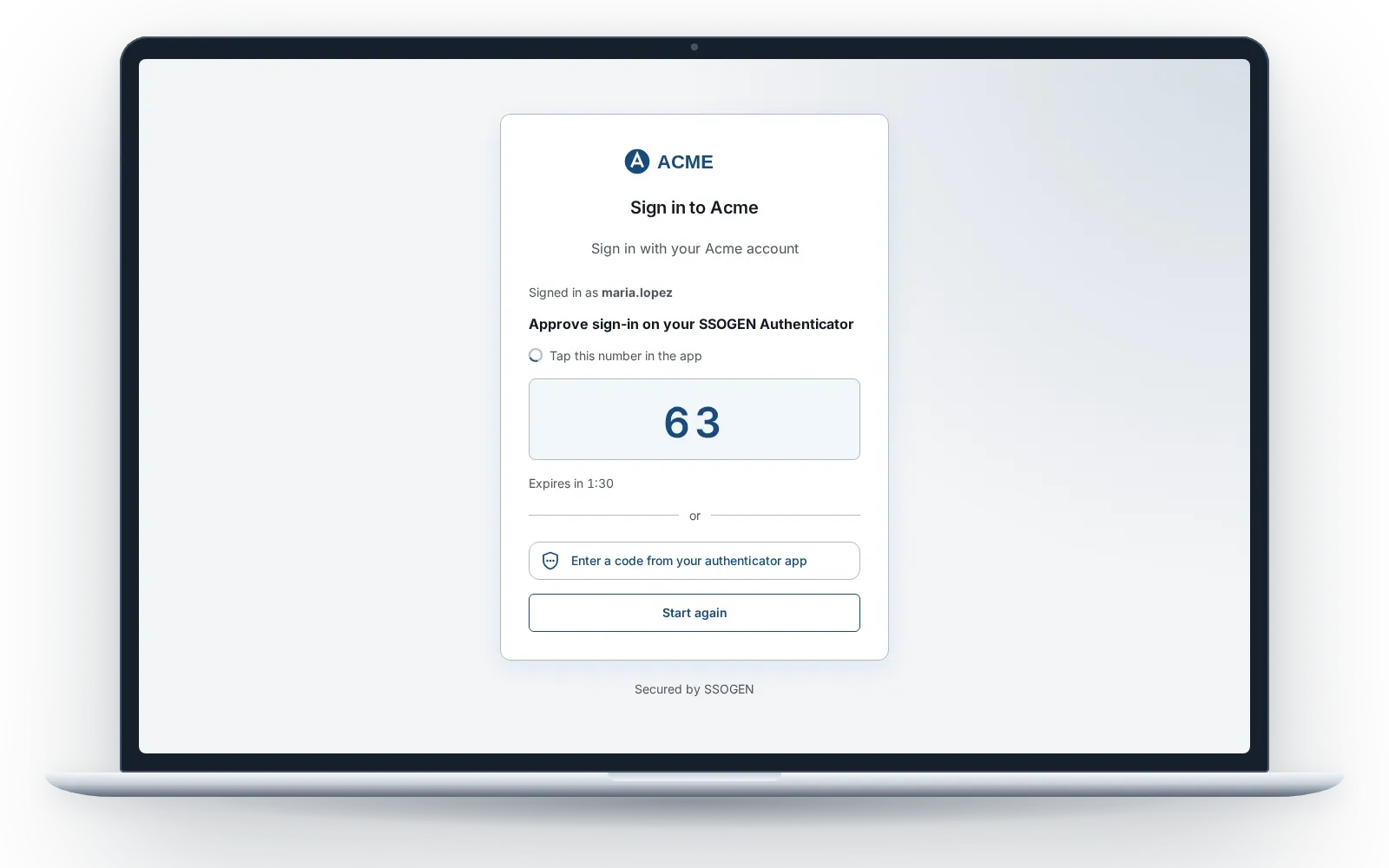
The SSOGEN sign-in page, waiting for a number-matched approval in the SSOGEN Authenticator.
An identity provider (IdP) checks who a person or an agent is and vouches for them to applications over SAML 2.0 or OpenID Connect. SSOGEN Identity Provider is a complete identity provider: it holds its own accounts or uses your directory, so a third-party identity provider is optional. In production since 2016.
AI agents get an identity, an owner and an off switch
Every AI agent, MCP client and automation is registered in the same identity provider as your employees. It reaches only what you granted, and SSOGEN records each call.
- An owner for every agent. One to five named owners and a review date. When the last owner leaves, the agent is suspended.
- Keys, never passwords. The agent proves itself with its own key pair. Each token lasts about four minutes and is bound to that key.
- Consent before delegation. An agent that acts for a person works only after that person approves, for at most 30 days.
- Approval for sensitive scopes. A payment or a bank-detail change waits for a fresh approval from the person, every time.
- A kill switch. Suspend one agent, or revoke its tokens and delegations, from the Admin Console.
- Every MCP tool call checked. The MCP gateway in the SSOGEN Gateway compares each call with the scopes the agent holds.
Details: AI agent identity and AI agent permissions.
What the identity provider does for people
| Capability | What SSOGEN does |
|---|---|
| Sign-in page | One branded page at your address. The email domain a person types sends them to the source that owns it: local accounts, Active Directory or LDAP, another SAML or OpenID Connect provider, or Kerberos on domain PCs |
| MFA and passkeys | Number-matched phone approval, authenticator codes, passkeys and security keys, recovery codes. Email and text codes when you configure a provider |
| SSOGEN Authenticator | The phone app that approves sign-ins after a face or fingerprint check and holds the codes. Any standard authenticator app also works for codes |
| Policies and What if | Named sign-in policies that applications share. Access rules are read in order and deny anything no rule allows. What if shows which rule would decide, without signing anyone in |
| Directory and provisioning | SSOGEN Directory holds users, groups and attributes from any source. SCIM 2.0 brings people in from HR and creates their accounts in applications |
| Applications | SAML 2.0 identity provider and OpenID Connect provider for any application that speaks either protocol, with templates in the App Gallery |
| Admin Console | People, policies, applications, secure access, monitoring and settings, split across built-in administrator roles |
| My Apps and My Account | One page of assigned applications. A self-service page for passwords, passkeys, the Authenticator, recovery codes, sessions and agent delegations |
| Audit trail | Every sign-in and administrative change in a chained record, sealed each day and checked every night |
Start with single sign-on, the policy engine or the audit trail.
How each add-on plugs in
The identity provider decides. The add-ons carry that decision to applications and devices that need help.
- SSOGEN Web Agent. A module for Apache and Oracle HTTP Server in front of Oracle E-Business Suite, PeopleSoft, JD Edwards and custom applications. Runs in SSOGEN mode, SAML mode or OIDC mode.
- SSOGEN Gateway. Runs inside your network: App Proxy for internal web applications, Remote Access over SSH, RDP and VNC in the browser, the Outbound Connector and the Directory Connector.
- MCP gateway. A capability of the Gateway that puts each AI agent’s tool calls behind the same identity provider and policy.
- SSOGEN Directory. The user store for employees, suppliers and partners, filled from your directory, HR over SCIM or a CSV file.
- SSOGEN Authenticator. Phone approval with number matching and codes that work offline.
Proof in the systems that run the business
Agents and people reach the same applications through the same policy, including the ERP systems where SSOGEN has run since 2016.
- Oracle applications. Oracle E-Business Suite, PeopleSoft and JD Edwards sign in through the Web Agent, with no application code changes.
- Microsoft Entra gallery. Microsoft lists SSOGEN in the Microsoft Entra gallery.
- One audit trail. A sign-in by a person and a tool call by an agent land in the same chained record.
See Oracle EBS SSO and SSOGEN customers.
Where it runs
The same release runs in both places. The console, the agents and the Gateway behave the same way.
| Your servers | Hosted by SSOGEN | |
|---|---|---|
| Who runs the servers | Your team, on Enterprise Linux | SSOGEN |
| Keys and audit | On your servers | Your organization’s own signing keys, secrets vault and audit log |
| Address | Your own | Your organization’s address at SSOGEN |
| Gateway and agents | Installed by you | Installed by you, enrolled to your organization |
Compare the two in self-hosted or hosted.