SSOGEN / SSOGEN Gateway: Authentication Gateway and App Proxy
SSOGEN
SSOGEN Gateway: Authentication Gateway and App Proxy
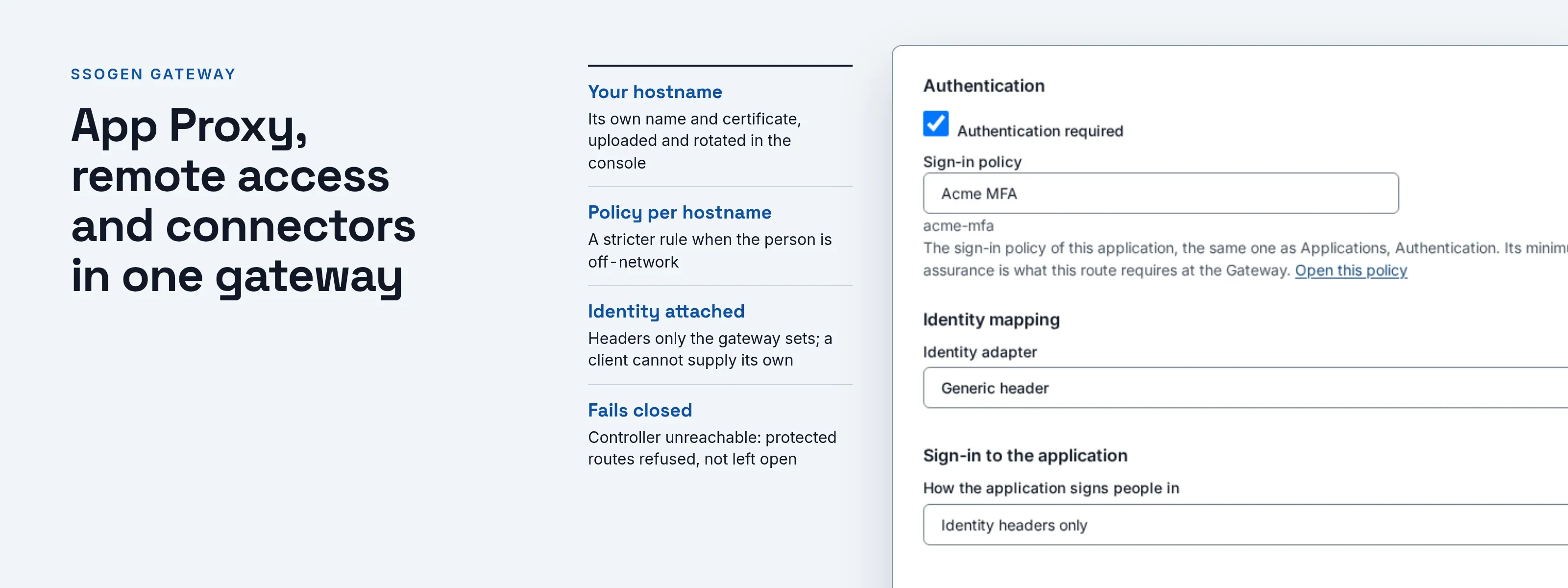
The Gateway checks every person before a request reaches the application, using your own hostnames and certificates, with no change to the app.
Why applications you cannot change need an identity check in front
Some applications cannot be changed and cannot host a web-server module:
- Vendor appliances.
- Packaged software.
- Internal tools whose authors have left.
A VPN hands every connected device the whole network. A plain reverse proxy forwards traffic but checks nobody. The SSOGEN Gateway is an authentication gateway that closes this gap: it checks every person before any request reaches the application.
App Proxy, remote access and connectors in one gateway
- An application proxy that checks identity first. The App Proxy sends each person to SSOGEN to sign in, applies the app’s policy, and only then forwards the request, with the identity attached as headers. If the gateway cannot reach its controller, protected routes are refused, not left open.
- Real hostnames and certificates. Give each app its own hostname. Upload the TLS certificate in the console, rotate it at renewal, and see which certificate each gateway instance is serving. Expiring certificates raise an audit event.
- Works behind your load balancer. A gateway listener can sit behind a load balancer. The balancer must present its own client certificate. Only then does the gateway trust the client address it forwards.
- Several back ends per application. Spread traffic over several servers, with optional sticky routing per client. Health checks pull a failing server out.
- Apps that want more than a header. Kerberos mode signs people in to Windows-integrated back ends. Form-fill mode handles apps that only have a login page.
- Each person’s own password. SSOGEN offers to save it at first sign-in, stores it encrypted and never shows it. The app sees each person as themselves, not one shared account.
- Policy per hostname. Each hostname can have its own sign-in policy, with a stricter rule when the person is off-network.
- One fleet, one console. Enroll gateway instances with a one-time token, check their health and configuration revision, and publish changes as signed configuration. A bad bundle is refused whole. The last good revision keeps running.
- Applications that expect their own name. Choose per route whether the application receives its own internal host name or the public one. With the internal name, redirects and cookie domains are rewritten back to the public name. A route saved before this choice existed keeps the public name, so an upgrade changes nothing.
- More than an application proxy. The same SSOGEN Gateway also runs Remote Access, an Outbound Connector and a Directory Connector, each switched on separately.
How the gateway signs in, routes and trusts
- Artifact: one gateway program, packaged as a container image, Helm chart, RPM and DEB with an SELinux policy.
- Trust: the gateway generates its own private key, and the key never leaves the host. Configuration arrives signed. A bundle that fails verification is refused whole, and the previous revision stays active. Destinations come only from signed configuration.
- Login: OAuth 2.0 authorization code with PKCE through SSOGEN; the gateway accepts only grants issued by your SSOGEN.
- Headers: a fixed set of identity headers that only the gateway sets; a client cannot supply its own copy.
- Routing: exact hostnames only, no wildcards. SNI picks the certificate. It speaks HTTP/1.1, and WebSocket is opt-in per route. Each route has request-size bounds and typed host and path-prefix rewrites. Back-end TLS verification is always on.
- Load-balancer trust: the gateway uses forwarded client addresses only on a listener that requires and verifies the balancer’s client certificate.
- Operations: liveness, readiness, status and metrics endpoints on a separate admin listener. A signal triggers a drain for rolling upgrades. A config validation command checks upgrades. Support bundles are redacted. The access log never records paths, queries, bodies, cookies or tokens.
- Certificate automation: a certificate-management tool can push a renewed certificate through an API. It uses a client-credentials token, and only a super administrator can grant that permission.
Reach applications and hosts in other networks
A factory, a branch office or a customer network often allows outbound traffic only. Install an Outbound Connector inside it.
- The connector dials out. It connects to your gateway and keeps the connection open.
- A route or a Remote Access resource chooses to reach through it. It uses the reach through setting.
- No inbound port opens. The private network opens no inbound port.
- Destinations are limited. The connector reaches only the destinations your configuration lists.
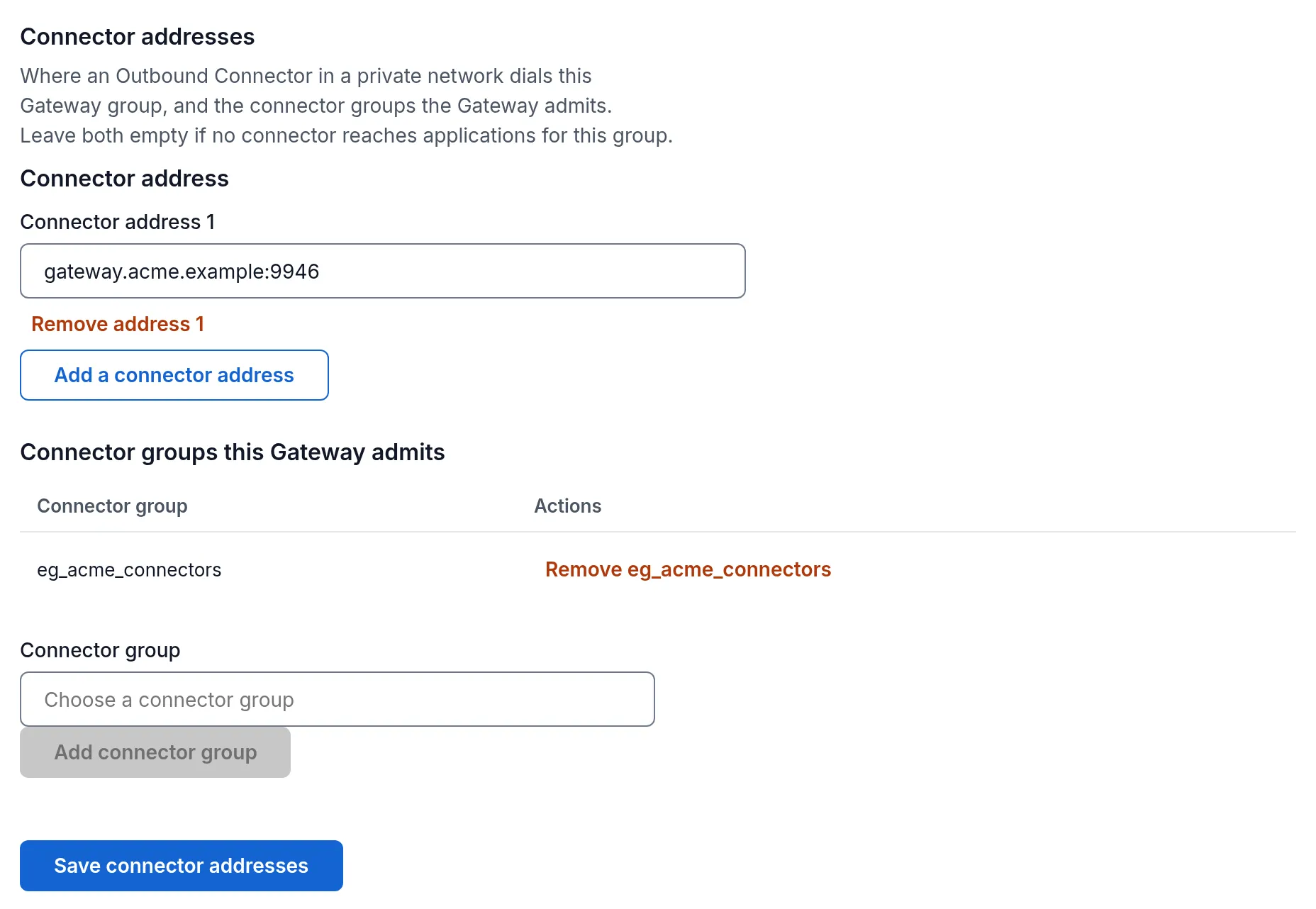
The other direction works too. A gateway that has no inbound access at all can dial out to a relay that your operations team runs and be reached through it.
- Certificates are automatic. SSOGEN orders and renews the certificates for the relay’s names.
- The console shows the state. It shows the order’s state and the one DNS record the relay’s operator must publish.
- Alarms are built in. The console raises an alarm, with an email to your super administrators, when an expected tunnel is missing for three minutes.
See the guides on the Outbound Connector and on reaching a gateway through a relay.
Where teams put the gateway
- Internal tools. Put sign-in and MFA in front of an internal wiki, build dashboard or vendor console in an afternoon.
- Legacy intranet. Swap a VPN-only route to a legacy intranet for per-app access.
- Several applications. Serve several applications on one SSOGEN Gateway, each with its own hostname, certificate and policy.
- Windows-integrated apps. Give a Windows-integrated app a Kerberos sign-in from the gateway.
What it looks like in the Admin Console
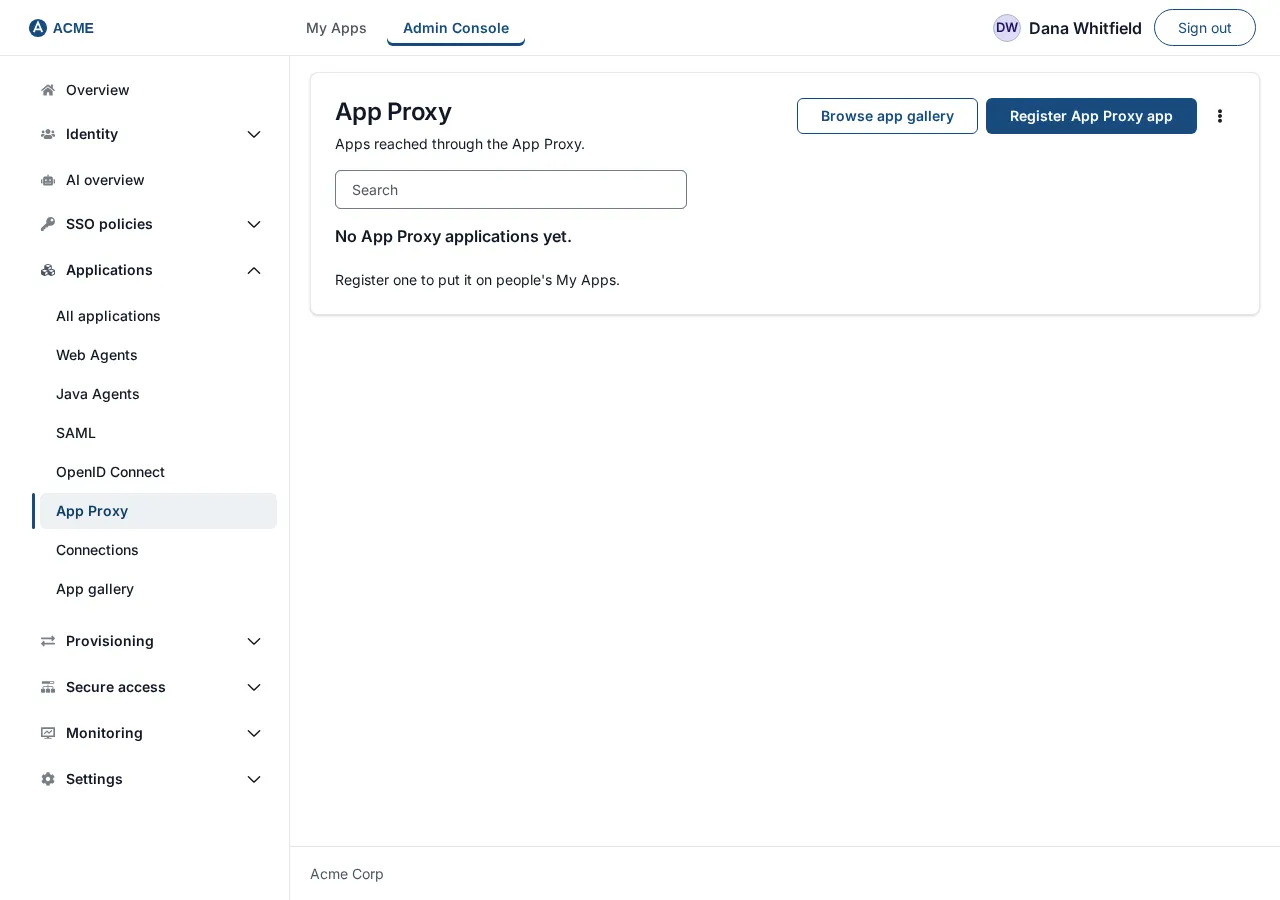
The App Proxy list of the Applications screen
Where to go next
- Start. Read what the gateway does, then install the SSO gateway.
- Same gateway, more features. It runs secure remote access, the Directory Connector and the MCP Gateway.
- Remote access. Read jump box SSO, MFA, SSH and RDP.
- Customers and suppliers. Applications published through the gateway can sign in customer accounts as well. See customer identity and access management.