SSOGEN / Get SSOGEN Trial Access
SSOGEN
Get SSOGEN Trial Access
An SSOGEN engineer puts sign-in in front of one of your own applications while you watch, be it Oracle EBS, an internal web app or an AI agent.
A SSOGEN trial starts with a working session on one of your own applications, led by an SSOGEN engineer.
What we do in the session
We pick one of your applications and put single sign-on in front of it while you watch. Typical sessions:
- Oracle E-Business Suite, PeopleSoft or JD Edwards signing in through Microsoft Entra ID, Okta or another SAML or OpenID Connect provider, using the SSOGEN Web Agent.
- An internal web application published through the SSOGEN Gateway with MFA, without changing the application.
- An AI agent registered with its own identity, a short-lived credential and an approval step, as described on the AI agent identity page.
What to bring
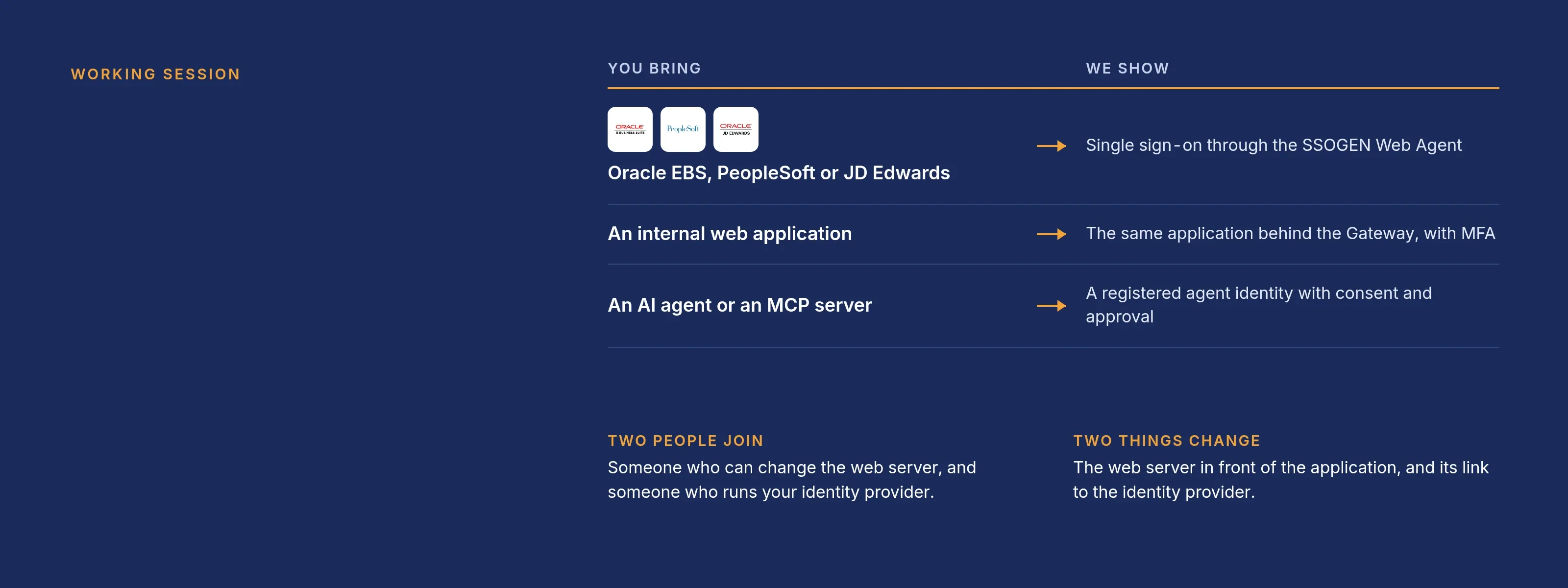
| You bring | We show |
|---|---|
| An Oracle EBS, PeopleSoft or JD Edwards system | Single sign-on through the SSOGEN Web Agent |
| An internal web application | The same application behind the SSOGEN Gateway with MFA |
| An AI agent or an MCP server | A registered agent identity with consent and approval |
Whatever you pick, bring these three facts:
- The application. The application and its release, plus the web server in front of it (Apache or Oracle HTTP Server, with the version).
- The identity provider. The identity provider you use today, or “none”.
- A test environment. Whether you have a test environment. A session on production works; it takes longer.
Who should join
Bring two people. With both in the room, most of the setup happens live.
- Web server owner. Someone who can change the web server configuration.
- Identity provider owner. Someone who runs your identity provider.
- Security or audit (optional). Add someone if you want to see what the audit log records when a person signs in or an agent acts.
We change only two things: the web server in front of the application and the connection to the identity provider.
Read first if you want to prepare
None of this is required. Each page shortens the session:
- What SSOGEN is and does explains the parts: the identity provider, the Web Agent, the Gateway and the Authenticator.
- Oracle EBS SSO, PeopleSoft SSO and JD Edwards SSO describe how each Oracle application is connected.
- Register a SAML application shows the screens we use when the application speaks SAML.
- AI agent identity and the MCP Gateway cover the agent sessions.
After the session
- Free 30-day proof of concept. Run SSOGEN on your own application before you commit.
- Plan it with us. Tell us in the session which system comes first, and we plan the proof of concept with you.
How to book
- Email
info@ssogen.comwith those three facts and two or three times that work for you. You can also call +1 (800) 773-6775. - An engineer replies with a time.
For a question that does not need a session, use the contact page. For the full list of what SSOGEN does, read the capabilities page.