SSOGEN / An admin experience that is simple to run, with full security underneath
SSOGEN
An admin experience that is simple to run, with full security underneath
Five steps take you from install to a first application, and the application team only pastes one short block and restarts.
From download to first sign-in in five steps
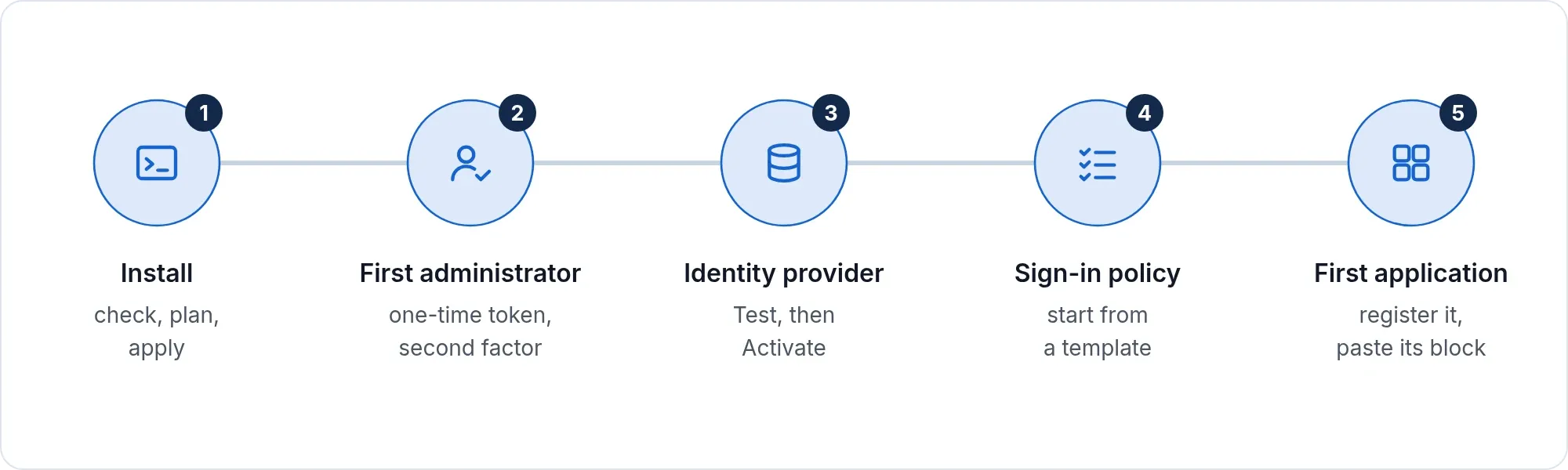
- Install. Run the installer: check, plan, apply.
- First administrator. Open the first-run page, use the one-time token, enroll a second factor and keep the recovery codes.
- Connect your identity provider. A wizard walks you through it. Press Test, which contacts the real provider, then Activate. Nothing goes live until it passes.
- Choose a sign-in policy. Start from a template, such as Corporate LDAP, LDAP + authenticator code, Passkey only or Corporate SSO, or from a blank policy.
- Register your first application.
The paste moment
This is the part application teams remember.
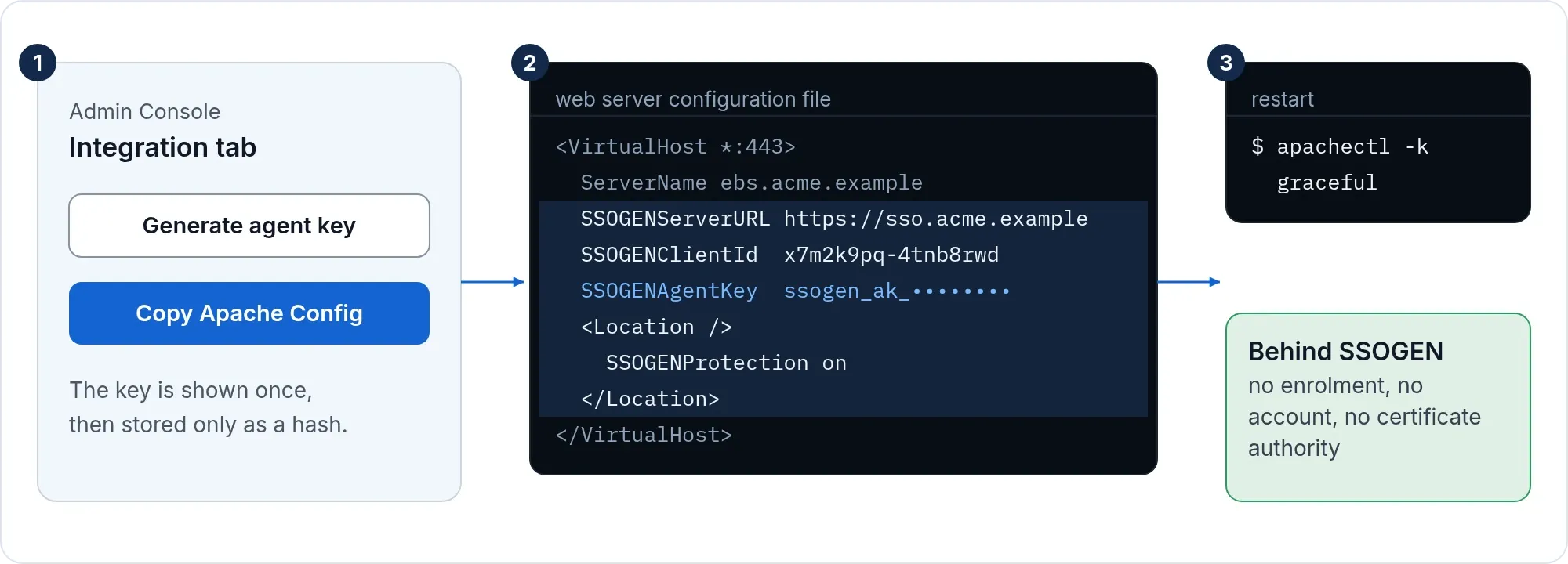
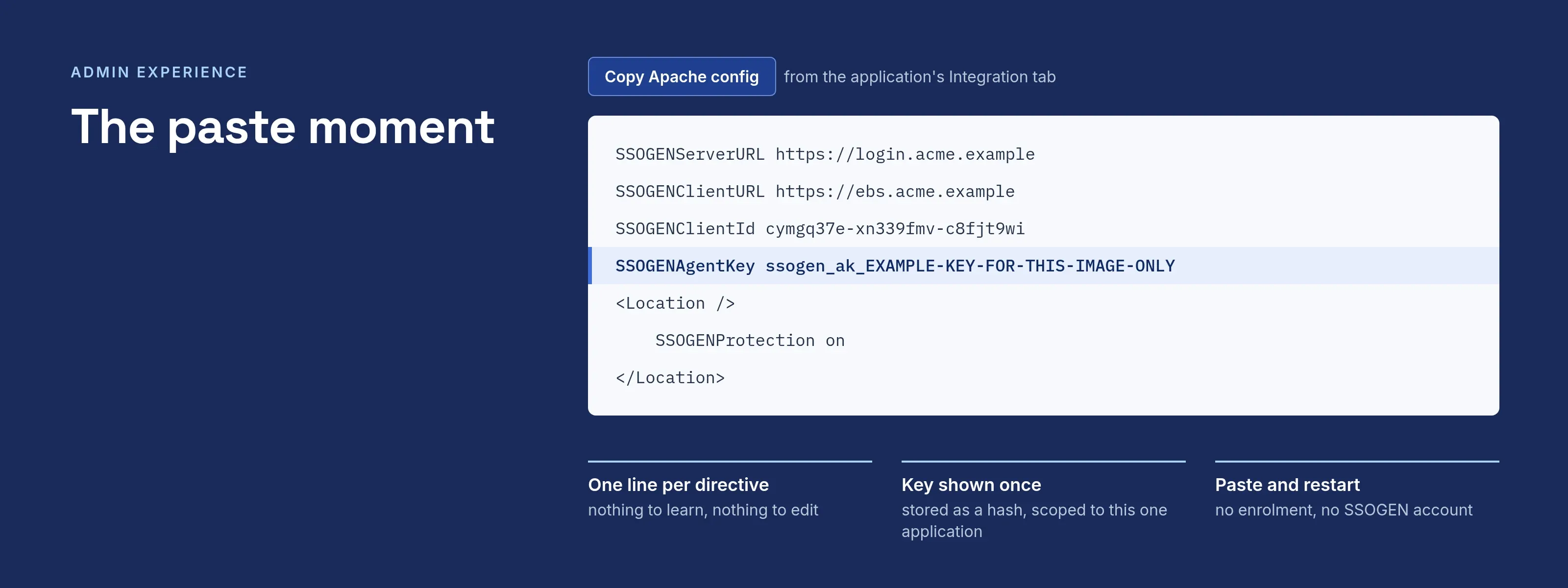
- The administrator registers the application and assigns it to groups.
- The integration page generates a short configuration block and a Copy button.
- The app team pastes it and restarts. They enroll nothing, run no command against SSOGEN and hold no account.
- The key inside is shown once, stored only as a hash and scoped to that one application.
- Replace it whenever you like. The old key stops at once or keeps working while servers are updated: 24 hours by default, up to seven days. For Java applications, the console lists each server as it reports in.
- The generated configuration is minimal: one line per directive.
A console that behaves like one
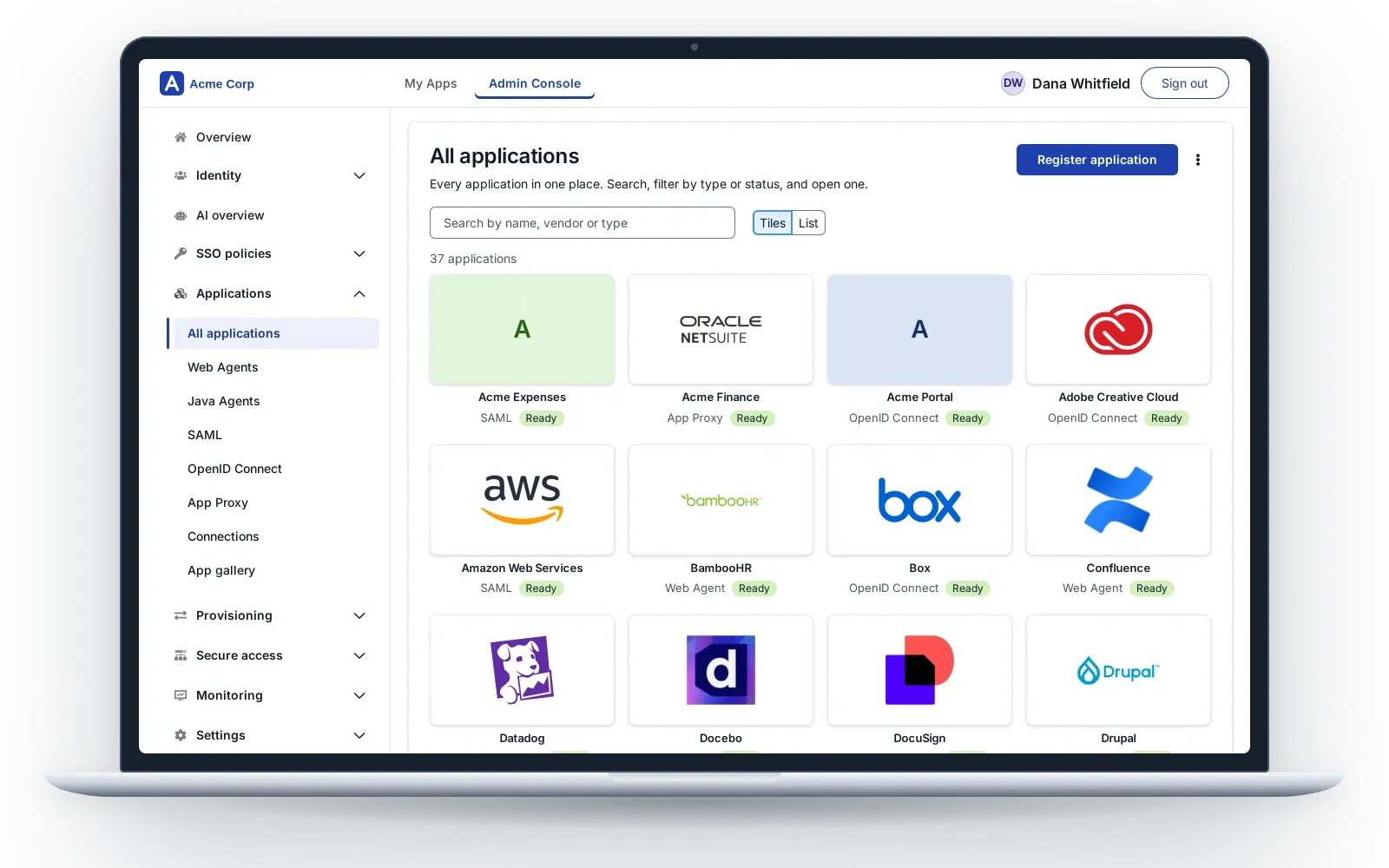
- Standard components throughout. One panel per menu item. When a change is refused, the console says why.
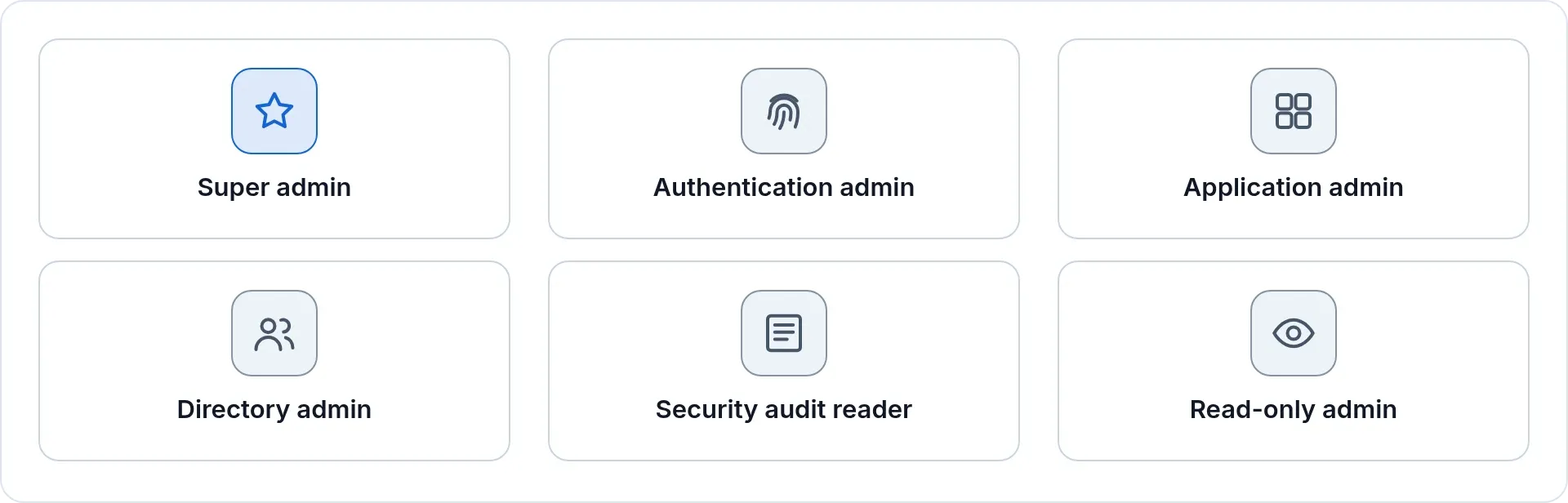
- Six built-in administrator roles: Super admin, Authentication admin, Application admin, Directory admin, Security audit reader and Read-only admin. Help-desk, application and audit work can be separated from full control.
- Administrator powers need a sign-in with a second factor no more than an hour old, by default, and end on a timer.
- A setup health check lists what still needs your attention.
- Every administrative change is written to the audit trail.
Safe when something goes wrong
- The console refuses any change that would lock out the last administrator who can sign in.
- A break-glass recovery command on the server restores an administrator’s access. It is audited, and the console warns until a Super admin decides what the sign-in policy should be.
- A provider goes live only after a test sign-in against the real provider succeeds.
- The What if screen tells you which policy applies to a person and an application, and names each reason, before your users find out.
Run it with very few people
| Instead of | You get |
|---|---|
| Several products and consoles | One product for sign-in, policy, directories, provisioning, Remote Access and audit |
| Rules written as code | Readable, deterministic policies |
| A project per application | A paste per application |
| Upgrade weekends | One SSOGEN download, one installer, one upgrade command |
Next: Get trial access or take the console tour.