SSOGEN / Oracle audit checklist: what an auditor asks first
Integration
Oracle audit checklist: what an auditor asks first
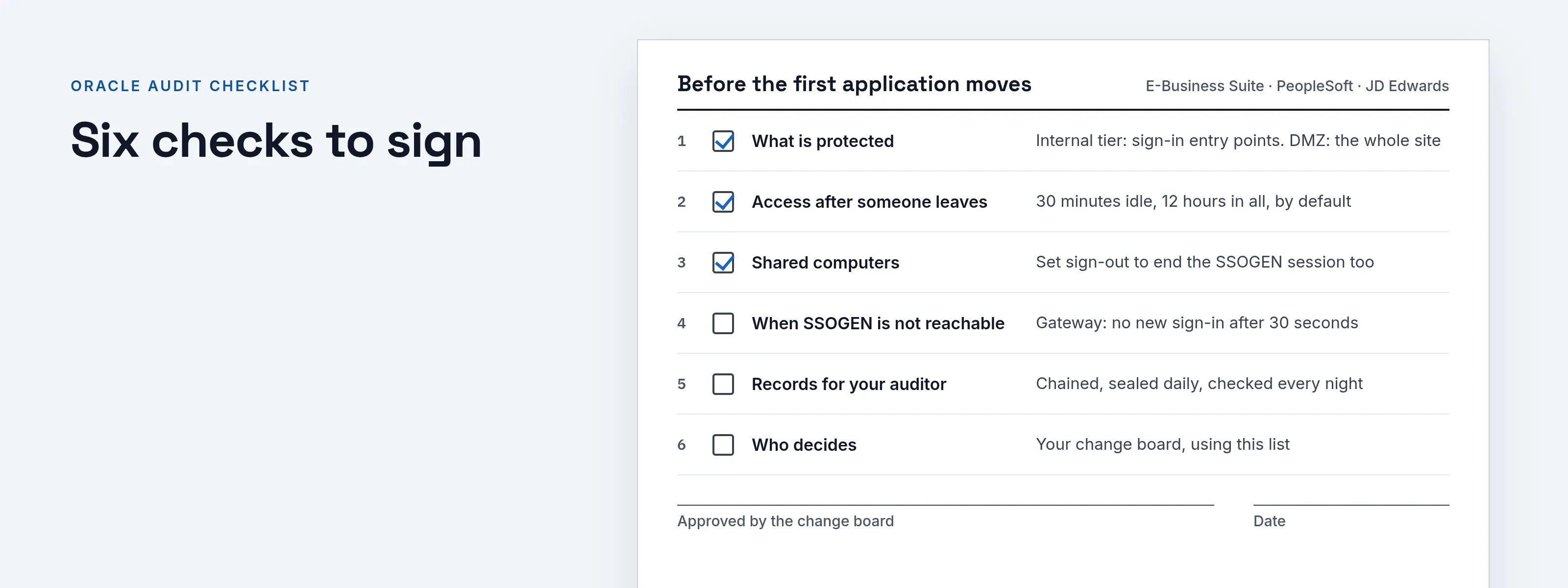
Six sections cover what is protected, how long access lasts after someone leaves, shared computers, outages and the audit records.
1. What is protected
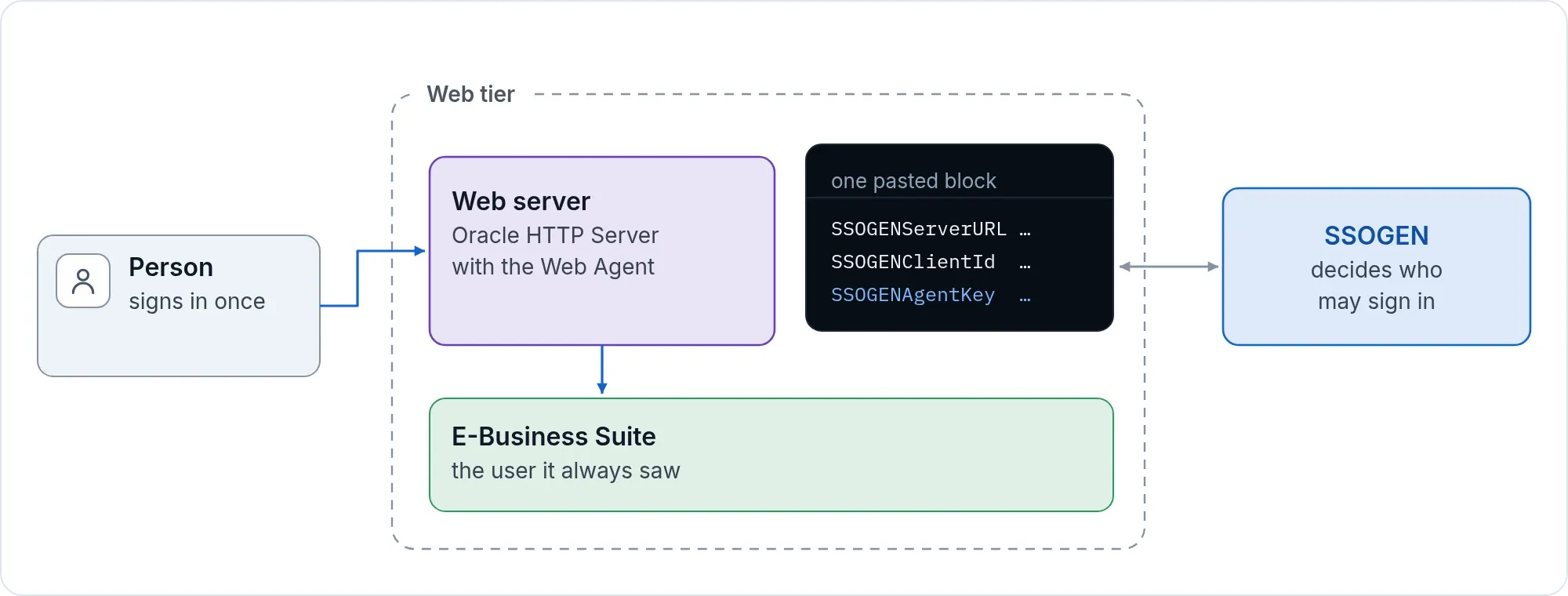
- Which paths are behind sign-in. On the internal tier of E-Business Suite 12.2 the package protects the application’s sign-in entry points. On the external (DMZ) tier it protects the whole site. Check which tier you registered; the EBS 12.2 single sign-on guide describes both.
- Which paths stay open. Service paths that other systems call stay open by default, and you choose what is protected. List them for each application and decide for each whether it should stay open.
- Other ways in. Try the application’s own local sign-in page, and an address that does not pass through the protected web tier. Record the result in your clone before the cut-over, and again after.
2. How long a person keeps access after leaving
- The SSOGEN session ends at once when you revoke a person, and nothing new opens.
- An application behind the Apache Web Agent keeps its own session until its idle time or maximum time. The defaults are 30 minutes idle and 12 hours in all, and each can be set up to 30 days, per site. Set both to what your policy requires; choose short values for a sensitive application.
- Gateway applications pick up a revocation within seconds.
3. Sign-out on shared computers
- The default sign-out for the Web Agent is local: it ends the application’s session only. Where people share a computer, such as a kiosk or a shift workstation, set the sign-out to end the SSOGEN session too, as described in sign-out on every page. Otherwise the next person at that browser opens the application as the person who signed out.
4. When SSOGEN is not reachable
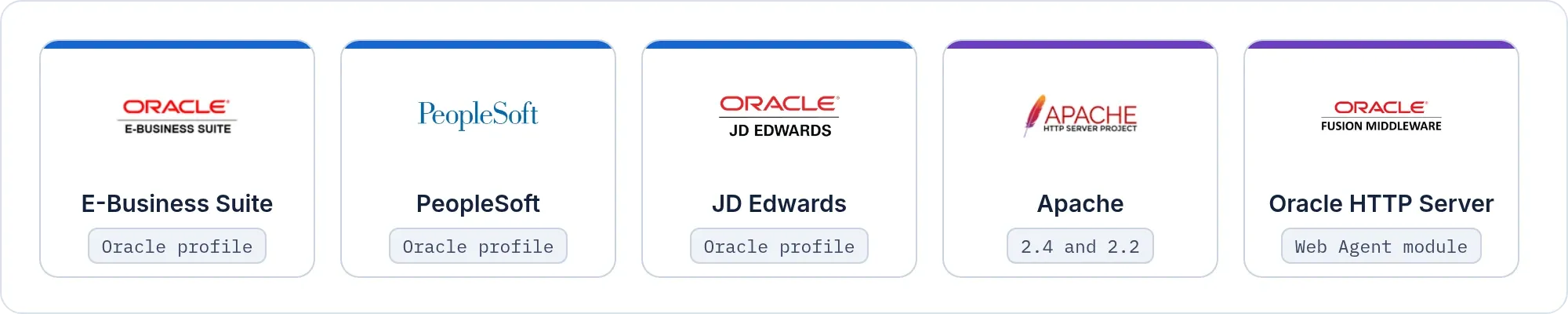
- Apache Web Agent. People already signed in continue; new sign-ins wait. A full web-server start needs signing keys saved within the last 7 days, otherwise it does not start. Do not plan a full restart of the web server during an SSOGEN outage.
- Gateway. After 30 seconds there is no new sign-in. After 5 minutes requests on existing sessions are refused too.
- Sign-in fails closed. A sign-in that cannot be checked is refused.
- Ask us for the supported high-availability shapes and plan them with us before an application that people depend on moves.
5. Records for your auditor
- The audit trail. Every sign-in and every administrative change is recorded in a chained, daily-sealed record, checked every night. You can run the full check from the console and export the trail by webhook or file.
- What is not claimed. SSOGEN does not map its records to a control framework for you. Your auditor maps the trail to your controls.
- What is running. Every release carries a build ID. It is in the manifest, the start-up log, the version command and the console’s Overview page.
- Security questions. Start at the trust center.
6. What your team does, and who decides
| Step | Who |
|---|---|
| Connect and test the directory | Your identity team |
| Register the application and create its policy | Your administrator, with the console |
| Run the package on the web tier | Your application team, as the applications owner |
| Restart the Oracle services and test the logins | Your application team |
| Approve the change | Your change board, using this list |
Next: Free application review. Send us your application list and we will tell you which are straightforward and which need work.