SSOGEN / Learn / What Is SiteMinder? Components, Request Flow and What to Do With It
Learn
What Is SiteMinder? Components, Request Flow and What to Do With It
SiteMinder is Broadcom's web access management product: a policy server plus agents in front of applications that decide who gets in and who the user is.
Updated
What is SiteMinder? In enterprise IT, SiteMinder is a web access management product that protects web applications. Netegrity built it, CA later owned it, and Broadcom’s documentation now calls it Symantec SiteMinder.
A Policy Server holds the access rules. An agent in front of each application, or a reverse proxy in front of many, asks the Policy Server whether each request may proceed.
Broadcom’s 12.8 documentation describes it as a product for protecting web applications and managing authentication and authorization.
SiteMinder is also the name of an unrelated hotel booking software company, covered briefly in the questions below.
This page covers the identity product and is written for administrators who have inherited it or must decide its future.
Everything about Broadcom’s product comes from its public documentation and support pages, read on 2026-10-11. Sources are listed at the end.
Where the name comes from
| Year | Event | Source |
|---|---|---|
| 2004 | Computer Associates (CA) agreed on 6 October to acquire Netegrity, “best known for its SiteMinder Web single sign-on product”, for $430 million in cash | eWeek, 2004-10-06 |
| CA era | Product guides are titled “CA SiteMinder” (12.5, 12.51 and 12.52 guides, still hosted by Broadcom) | Broadcom archived guides |
| 2019 | Broadcom completed its acquisition of Symantec’s Enterprise Security business on 4 November | Converge Digest, 2019-11-04 |
| Now | Broadcom’s product page is titled “Symantec SiteMinder”, and the TechDocs describe it as a Broadcom product (formerly Symantec) | Broadcom product page and TechDocs |
No Broadcom page we found dates the change from “CA SiteMinder” to “Symantec SiteMinder”, so this page gives no date for it.
Searches for “ca siteminder”, “symantec siteminder” and “broadcom siteminder” all refer to the same product.
What the parts are
Broadcom’s documentation uses the terms below. A deployment rarely has all of them, so check which ones your estate uses.
| Term | What it is, per Broadcom’s documentation |
|---|---|
| Policy Server | “The Policy Server provides policy management, authentication, authorization, and accounting.” (12.51 guide) |
| Web Agent | Runs inside a web server or application server. It “controls access to any resource that can be identified by a URL” and “intercepts requests for a resource to determine whether or not the resource is protected.” (12.8 guide) |
| Access Gateway | A reverse proxy. Broadcom’s 12.8 support matrix says “Access Gateways (previously called Secure Proxy Server)”. Older guides describe a built-in web agent that performs authentication and authorization of requests, so a backend with no agent can still be protected. |
| Policy Store | Where “rules and policies” live. Broadcom’s 12.8 support matrix lists LDAP directories and databases as policy store types. |
| Session store | Holds federation data such as SAML artifacts and assertion expiry. The 12.5 guide says the session server “cannot be run on the same database as the policy store”. |
| Administrative UI | The tool used to configure the Policy Server (12.51 guide). |
| Federation | SAML 1.x and 2.x single sign-on between organizations, handled by the Policy Server with the session store (12.5 guide). |
How a request flows
Broadcom’s 12.51 policy overview describes the web case in six steps.
- A user requests a page from the web server.
- The Web Agent intercepts the request and checks whether the resource is protected.
- If it is, the agent collects the user’s credentials and passes them to the Policy Server.
- The Policy Server authenticates the user against the user directories, then checks authorization against the rules and policies in the Policy Store.
- If the user is authenticated and authorized, access is granted and privilege information is returned.
- The agent caches the user’s access context in a session cache (12.8 guide), so later requests do not repeat the full check.
Decisions come from objects in the Policy Server:
- Realms. Groups of resources.
- Rules. They name a resource and the actions allowed or denied.
- Policies. They bind users, rules and responses.
- Responses. A reaction to a rule.
The SiteMinder alternative page lists Broadcom’s exact definitions; a migration must inventory each object.
How it tells an application who the user is
Applications behind SiteMinder usually have no sign-in of their own; they trust the identity the agent passes.
Broadcom’s 12.8 documentation says the web agent places the user name in an HTTP header variable for all requests.
The same documentation notes exceptions and additions:
- No variable. It is not set when the user supplied no user name (certificate-based authentication, for example) or when the name is not recognized.
- More attributes. Responses can pass additional user attributes to the application.
- Behind a proxy. The 12.51 guide says the originally requested URL is kept in a header named
SM_PROXYREQUEST.
Replacing SiteMinder is therefore mostly an inventory task: record which header, value and format each application reads.
The web access management page puts this pattern in context, and Legacy application SSO covers applications that cannot change.
Is there a SiteMinder login page?
No. SiteMinder sits in front of an application and has no sign-in page of its own to “log in to SiteMinder”.
Users see whatever sign-in the organization configured: a form, a corporate directory prompt, a certificate, or a redirect to another identity provider.
- Users need their employer’s or the application’s sign-in address, or the help desk of the team that runs it.
- Administrators sign in to the Administrative UI of their own Policy Server, at an address their team chose.
A “SiteMinder login” search can also lead to the hotel company, which is a separate business.
Current naming and support status
The dates and statuses below are what Broadcom’s public pages said on 2026-10-11.
| Fact | What Broadcom says | Source read 2026-10-11 |
|---|---|---|
| Current documentation | The TechDocs site documents Symantec SiteMinder 12.9.1, 12.9, 12.8 and 12.52.01. The 12.9.1 overview was last updated 2026-10-05. | TechDocs 12.9.1 and 12.8 landing pages |
| Support end dates published in a notice | 12.8.0 and 12.8.01: June 30, 2022 (moved from March 31, 2022). 12.8.04: December 21, 2023. | Broadcom support notice, “Symantec SiteMinder 12.8.x End of Service Update Notice”, published 2021-12-10 |
| Later releases | The same notice says dates for higher service packs “will be published in the future”. It recommended upgrading to 12.8.06 for “the longest future mainstream life and the largest feature set”. | Same notice |
| Supported systems | Policy Server and Access Gateway operating systems are listed in the 12.8 support matrix (last modified 2024-10-07). For example, 12.8.07 Access Gateway no longer supports Solaris, and 12.8.08 adds Windows Server 2022 and Red Hat 9. | 12.8 Product Support Matrix |
Broadcom keeps a “Release and Support Lifecycle Dates” page on its support portal.
The page returned no table contents when we read it, so this page gives no end-of-support date for 12.8.05 and later or for 12.9.
Check that page for your exact version before you plan around a date.
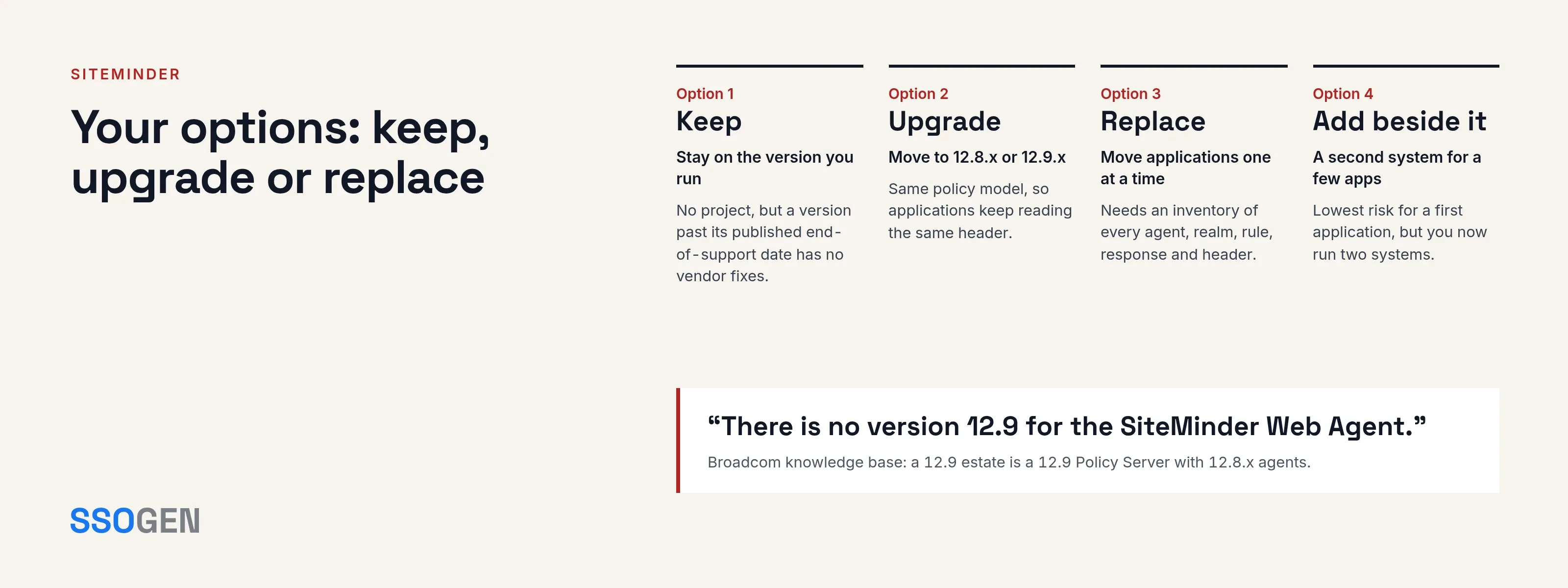
Your options: keep, upgrade or replace
| Option | What it means | Trade-off |
|---|---|---|
| Keep | Stay on the version you run | No project, but a version past its published end-of-support date has no vendor fixes, and a version with no published date is a question for your Broadcom contact. Operating system, Java and directory support moves under you. |
| Upgrade | Move to a current release, such as 12.8.x or 12.9.x | Stays on the same policy model, so applications keep reading the same header. Policy Server, agents and Access Gateway have to be planned together; the support matrices say which versions pair. |
| Replace | Move applications to another system, one at a time | Needs an inventory of every agent, realm, rule, response and header, and a test per application. It lets you leave parts of the estate on SiteMinder while others move. |
| Add beside it | Put a second system in front of a few applications and leave the rest | Lowest risk for a first application, but you now run two systems. |
The right option depends on the estate. An upgrade changes the least for your applications.
Replacement suits an organization that wants a different access model or no longer wants to run a Policy Server estate.
For replacing or adding beside, the SiteMinder alternative page gives the inventory, a policy-mapping approach and a migration order.
SSOGEN fronts an application in two ways: the Web Agent inside the web server, and the Gateway as a route in front of it.
Questions people ask
What is the use of SiteMinder?
Is SiteMinder a good company?
How much does SiteMinder cost?
Who is the CEO of SiteMinder?
Where to go next
- Migration checklist. Read the SiteMinder alternative page.
- The category. Read web access management.
- Applications that cannot be changed. See legacy application SSO.
- How SSOGEN fronts an application. The Web Agent and Gateway pages show it.
- More explainers. The Learn hub lists the rest.
Sources, all read 2026-10-11: Broadcom Symantec SiteMinder product page; TechDocs SiteMinder 12.8, 12.9.1, Web Agents Overview and Generated User Attributes; archived guides for 12.51 (policy overview), 12.51 (reverse proxy) and 12.5 (session store); SiteMinder 12.8 Product Support Matrix, 2024-10-07; Broadcom’s 12.8.x End of Service Update Notice; knowledge base article Web Agent 12.9 support and upgrade; eWeek, CA to Acquire Netegrity for $430 Million (2004-10-06); Converge Digest, Broadcom completes acquisition (2019-11-04); Wikipedia: SiteMinder and the hotel company’s about page.
About this page. SSOGEN Corporation prepared this page from Broadcom’s public documentation and web pages, last read on 2026-10-11.
We took care to be accurate, but products, plans and prices change, and we may have misread or missed something, so some statements may be wrong or out of date.
This page is for general information only and comes without any warranty. SSOGEN is not responsible for errors, omissions or decisions made from it.
Check the vendor’s own pages and test the products yourself before you decide. If you see a mistake, tell us and we will correct it.
SiteMinder, CA SiteMinder, Symantec SiteMinder, Policy Server, Web Agent, Access Gateway, Broadcom, Symantec, Netegrity and CA are trademarks of their respective owners. The other owners named are not affiliated with, endorsed by or sponsored by SSOGEN.