SSOGEN / Browser SSH, RDP and VNC: reach the server, not the network
SSOGEN
Browser SSH, RDP and VNC: reach the server, not the network
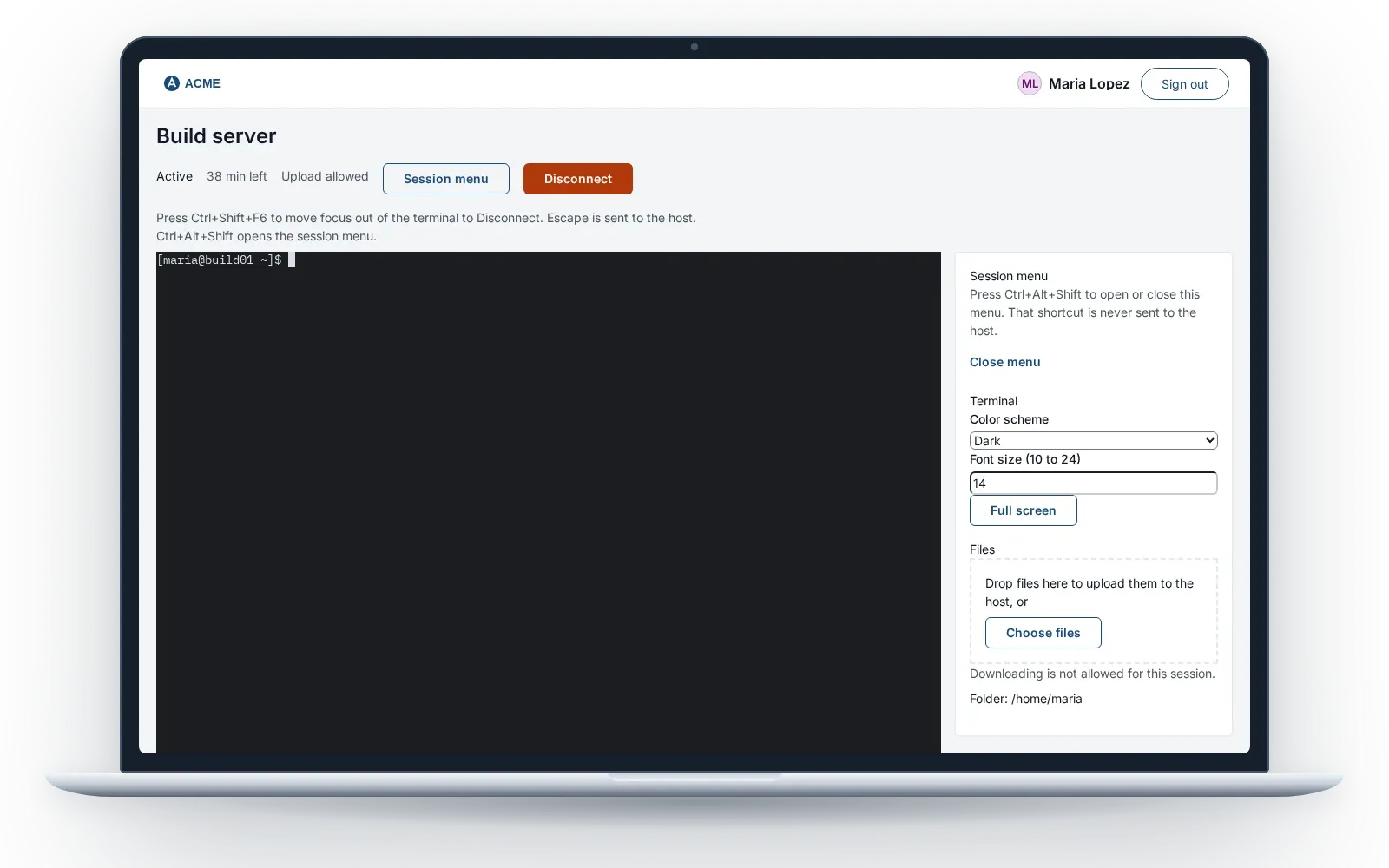
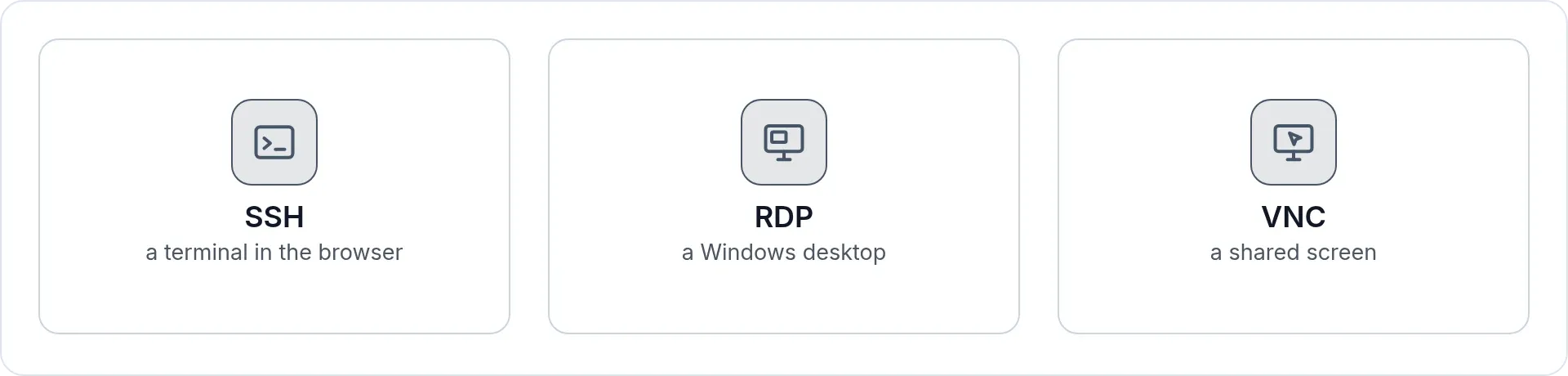
SSH, RDP and VNC open from My Apps through your Gateway, with a stored account the person never sees and a timeline for every session.
Three steps
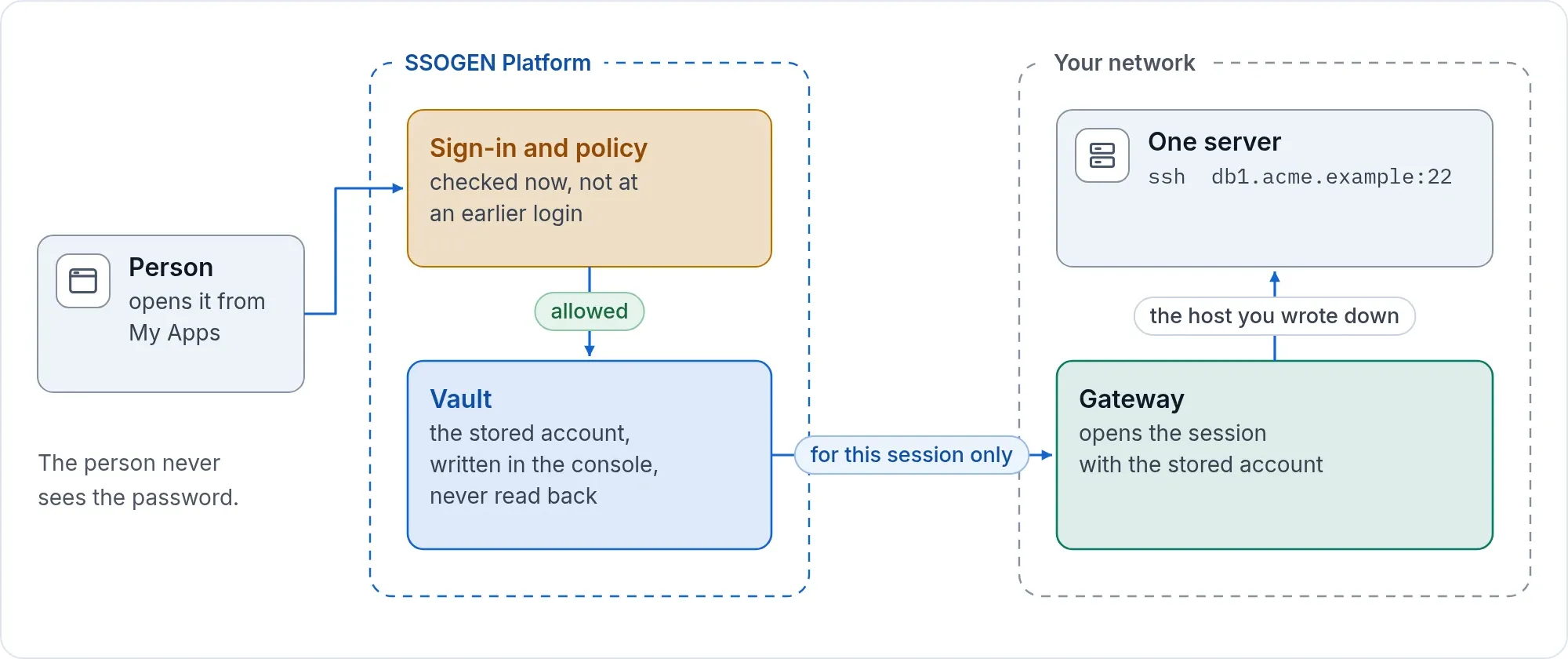
- You define a resource. Protocol, host, port, who may use it, and whether an approver must agree first.
- The person opens it from My Apps. SSOGEN checks the sign-in and the policy at that moment, not at some earlier login.
- The Gateway opens the session. The browser never names the destination. The Gateway connects only to the host you wrote down.
Why it is safe to hand out
- One resource at a time. There is no network-level access to misconfigure, because there is no network-level access.
- Approval where it matters. The person gives a reason and a duration. An approver decides. The session ends when the approved window ends.
- Nobody types a password. A resource can hold a stored account: a generated key (recommended), an uploaded key or a password. The console only lets you write it, never read it back. It is released for that session only, after access is checked again. The person never sees it.
- The host proves who it is. Nothing is trusted on first use. An administrator pairs the host, compares the key or certificate the Gateway saw, and only then trusts it. Until then a new SSH resource does not open. A stored account is used only with a host that has proved its identity. Skipping the check is possible only as an explicit, acknowledged and audited choice per resource.
- Limits you set. Idle timeout and maximum session length per resource. Clipboard text and file transfer are separate permissions and stay off until you grant them.
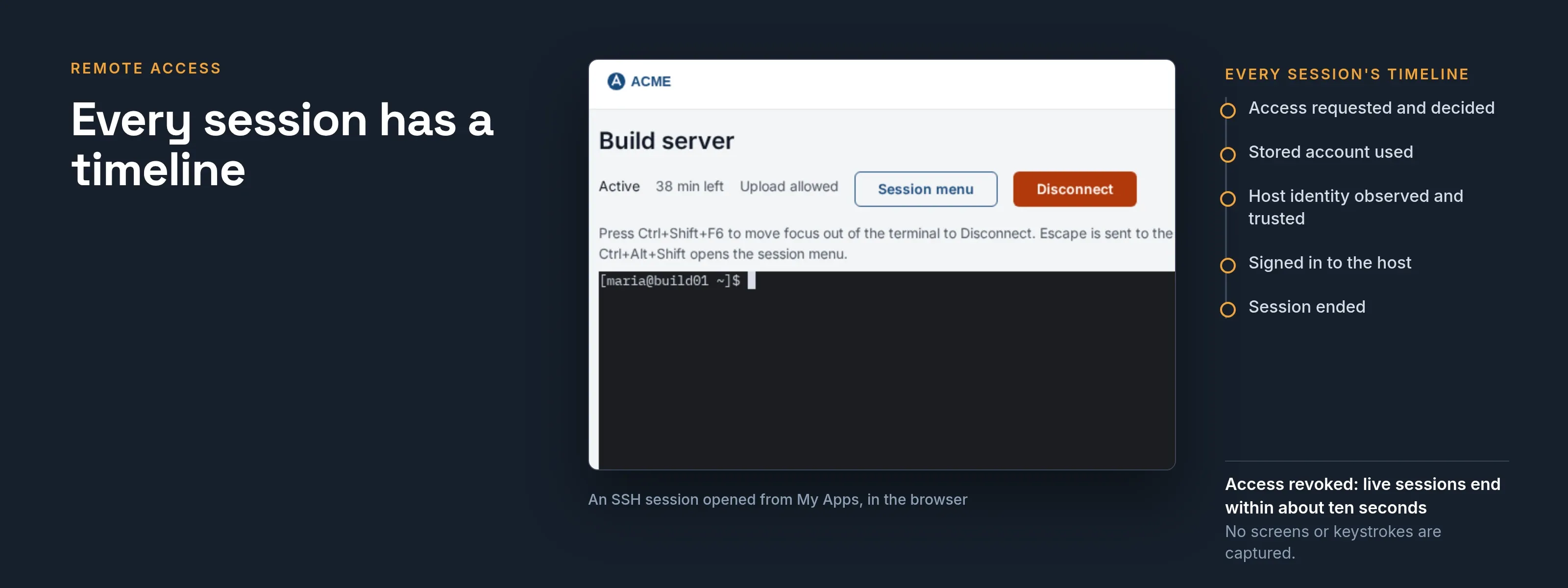
- Access ends when access ends. Disable or lock a person’s account, sign them out of SSOGEN everywhere, or revoke their access, and their live sessions end within about ten seconds. They do not run on to a timeout. Signing out of a single application does not end them.
Every session has a timeline
The console shows each session as a timeline: access requested and decided, stored account used, host identity observed and trusted, signed in to the host, session ended. Administrators see live sessions; a Super admin can end one.
SSOGEN keeps session events, not content: it does not capture screens or keystrokes. The timeline answers who opened what, when and on whose approval.
What you run
One SSOGEN Gateway on a Linux host that can reach your servers. It makes outbound connections to SSOGEN. The people using it need only a browser. Servers in a network the Gateway cannot reach directly are served through an Outbound Connector.
In the console this is Remote Access, in the Secure access menu; the Remote Access guide covers setup. Resources, stored accounts and the Gateway are managed by the Super admin; an Application admin can decide who may use a resource. On an SSOGEN-hosted organization, SSOGEN switches each feature on for you.
How it compares
| A typical VPN | A self-assembled browser gateway | SSOGEN Remote Access | |
|---|---|---|---|
| What the person reaches | Usually the network | One host | One host |
| Sign-in, MFA and approval | Usually separate products | Usually yours to assemble | The same policy as every other SSOGEN application |
| Who knows the server password | Usually the person | Usually yours to solve | Nobody on the person’s side |
| Audit | Usually network logs | Usually yours to build | One chained audit trail with the rest of SSOGEN |
Next step
Watch a session start, from the click in My Apps to the shell prompt, or talk to an engineer about your first ten servers. For replacing a VPN across contractors and sites, see secure remote access.