SSOGEN / Learn / Spring Security OAuth2: client and resource server setup
Learn
Spring Security OAuth2: client and resource server setup
In Spring Security OAuth2, a login app is a client and an API is a resource server. Both are configured from the provider's issuer address; this page maps every property to its source.
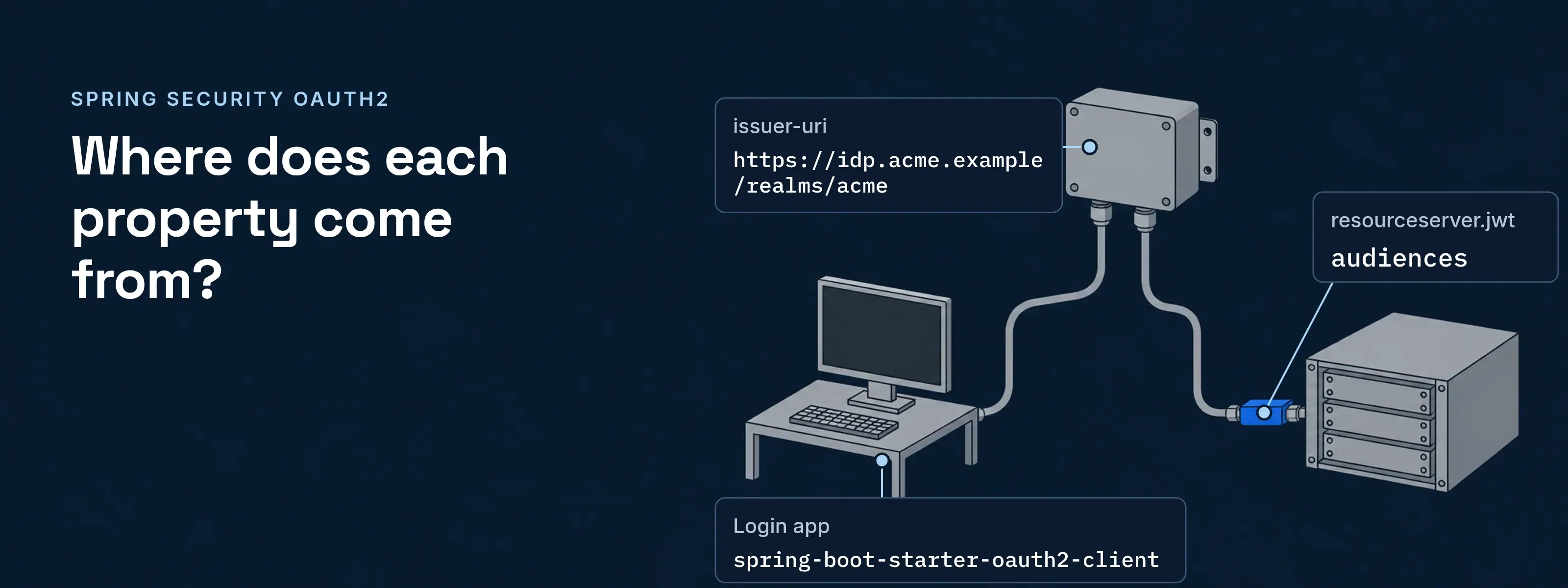
Spring Security OAuth2 gives a Spring Boot application two separate roles: an OAuth2 client that logs people in, and a resource server that checks bearer tokens on an API. Each role has its own starter and a handful of properties, and both start from the address of the identity provider.
This page covers Spring Security 7.1.2 and Spring Boot 4.1.2, read on 2026-11-17. The property names are the same in Spring Boot 3.5.16 and Spring Security 6.5.11. For the protocol background, see what OpenID Connect is. If you first met the “Please sign in” form, the Spring Security default login page explains where it comes from.
A login app is a client; an API is a resource server
Spring Security has three OAuth2 feature sets: client, resource server and authorization server. A client sends people to the provider and builds a session from the result, which a servlet container tracks with the JSESSIONID cookie. A resource server accepts a bearer token on each request. The authorization server role belongs to the provider.
OAuth2 Login is a client feature, so a login app needs the client starter, spring-boot-starter-oauth2-client. An API needs spring-boot-starter-oauth2-resource-server. To run both roles in one application, define your own SecurityFilterChain bean.
Two roles in one flow
- BrowserThe person
- Client appOAuth2 client
- ProviderIssues tokens
- APIResource server
- Browser to Client app1Open a protected pageNo session exists yet.
- Client app to Provider2Redirect to the authorization endpointThrough the browser, with client_id, scope, redirect_uri and state. The person signs in at the provider.
- Provider to Client app3Redirect back with an authorization codeTo {baseUrl}/login/oauth2/code/{registrationId}.
- Client app to Provider4Redeem the code at the token endpointThe provider returns an ID token and an access token.
- Client app to Browser5Session starts; the person is logged in
- Client app to API6Call the API with Authorization: BearerAny caller that holds a token can do this; the client app is one.
- API to Provider7Fetch the signing keys from jwks_uriSpring rotates to new keys as the provider publishes them.
- API8Check signature, exp, nbf and issAdd aud by setting audiences.
- API to Client app9Data, or 401 if the token fails
Every property comes from the discovery document or the registration screen
The provider publishes a discovery document at its issuer address plus /.well-known/openid-configuration. Spring reads it when you set issuer-uri, so the endpoints and keys need no typing. Only the values the provider assigns to your application, such as the client ID, come from its registration screen. The rest is your choice.
The fictional provider below is idp.acme.example, realm acme. The login app is registered as acme-web and the API is https://reports.acme.example/api.
{ "issuer": "https://idp.acme.example/realms/acme", "authorization_endpoint": "https://idp.acme.example/realms/acme/protocol/openid-connect/auth", "token_endpoint": "https://idp.acme.example/realms/acme/protocol/openid-connect/token", "jwks_uri": "https://idp.acme.example/realms/acme/protocol/openid-connect/certs", "scopes_supported": ["openid", "profile", "email"]}spring: security: oauth2: client: registration: acme: client-id: acme-web # registration screen client-secret: ${ACME_CLIENT_SECRET} # registration screen scope: openid,profile,email # scopes_supported provider: acme: issuer-uri: https://idp.acme.example/realms/acme # issuerspring: security: oauth2: resourceserver: jwt: issuer-uri: https://idp.acme.example/realms/acme # issuer audiences: https://reports.acme.example/api # aud of a decoded tokenThe comment on each YAML line names where its value comes from. The table gives the same map, property by property.
With the starter and these properties, Boot’s default security chain needs no Java code.
Property (after spring.security.oauth2.) |
Where the value comes from | What to check |
|---|---|---|
client. |
issuer in the discovery document |
Copy it exactly. Spring builds the authorization, token and key endpoints from it. |
resourceserver. |
The same issuer |
It must equal the iss claim of every token. On a mismatch Spring stops with The Issuer "..." provided in the configuration did not match the requested issuer "...". |
client. |
The provider’s registration screen for your application | Never in the discovery document. |
client. |
The same screen, usually shown once | Omit it for a public client. Keep it out of source control, as the environment placeholder above does. |
client. |
Your choice, from scopes_supported |
The openid scope makes the login an OpenID Connect login and returns an ID token. |
client. |
Your application | The default is {baseUrl}/login/oauth2/code/{registrationId}. Register the same address at the provider. |
resourceserver. |
jwks_uri in the discovery document |
Optional. Set, it stops the resource server contacting the provider at startup, and issuer-uri still validates iss. |
resourceserver. |
The aud value the provider puts in tokens for this API |
Read it from a decoded token. |
Keycloak, Okta, Entra and SSOGEN differ in the issuer, not the code
Spring Boot with Keycloak, Okta, Entra or SSOGEN needs the same Java code. Only the issuer-uri and the values from the registration screen change. The providers differ in the shape of the issuer address, so copy the issuer value from each discovery document instead of building it by hand. In every case discovery is the issuer plus /.well-known/openid-configuration.
- Keycloak.
https://{host}/realms/{realm-name}. - Okta.
https://{yourOktaDomain}/oauth2/{authorizationServerId}for a custom authorization server, such asdefault. The org authorization server useshttps://{yourOktaDomain}. - Microsoft Entra ID.
https://login.microsoftonline.com/{tenant-id}/v2.0, with the directory (tenant) ID as a GUID. Discovery under a domain name such ascontoso.onmicrosoft.comreturns the GUID inissuer, and discovery undercommonreturns the literal text{tenantid}, so neither equals the address you configured. - SSOGEN.
https://sso.acme.example, your own SSOGEN address. Discovery is at/.well-known/openid-configurationand the keys are at/oauth2/jwks.
Spring checks who signed a token; audiences checks who it is for
The issuer-uri property validates iss, who sent the token. The audiences property validates aud, who the token was sent to. Boot adds the audience check only when audiences is set, so a token that your provider issued for another API passes the other checks: signature, exp and nbf.
Before: only issuer-uri is set. Spring verifies the signature, exp, nbf and iss. A token that the same provider issued for a different API passes all four, because nothing compares aud. Only your authorization rules stand in its way.
After: issuer-uri and audiences are set. Boot adds an aud check: the claim must share at least one value with the list. The same token is refused with a 401 and the error invalid_token, reason “The aud claim is not valid”.
SSOGEN as the provider: register the app, copy four values
SSOGEN is an OpenID Connect provider, so a Spring Boot application connects with the same properties as for any other provider. Register the application, copy the issuer, client ID, redirect URI and scopes from its Integration tab, and set them. PKCE with S256 is required, and Spring sends it for a public client.
The steps for the login app are in register an OpenID Connect application. The OpenID Connect provider page lists the endpoints, the API (resource server) settings and the redirect URI rules.
Questions people ask
What is the difference between an OAuth2 client and a resource server in Spring Security?
An OAuth2 client obtains tokens; a resource server accepts them. The client redirects people to the provider and redeems the authorization code. The resource server never redirects. It reads the bearer token on each request and answers 401 when the token fails. A login app and an API are usually two applications with two starters.
Is JWT part of Spring Security?
Yes, for validation. The spring-security-oauth2-jose module decodes and verifies JWTs, and NimbusJwtDecoder fetches the signing keys from the provider. A resource server needs that module and spring-security-oauth2-resource-server. Creating tokens belongs to the authorization server role, which is the provider’s job, not the API’s.
How do you secure REST APIs in Spring Boot with OAuth2?
Make the API a resource server. Add spring-boot-starter-oauth2-resource-server, set spring.security.oauth2.resourceserver.jwt.issuer-uri and audiences, and keep Boot’s default chain, which requires authentication on every request. Callers send Authorization: Bearer with a token from the provider, and Spring maps each scope to a SCOPE_ authority for hasAuthority rules.
Is spring-security-oauth2 still the right dependency?
No. The spring-security-oauth project was archived on 2022-05-31 and is read-only. Its README names the replacement: the OAuth2 support in Spring Security for the client and resource server roles, and Spring Authorization Server for issuing tokens. In a Boot application, use the two OAuth2 starters.
Check your own token against the properties
A decoded token is the answer key for the resource server properties. Use a real access token from your provider and four checks.
Decode the token
Paste the access token into the JWT decoder to read its header and claims. If the decoder cannot read the token, it may be opaque. For an opaque token, Spring needs theopaquetoken.introspection-uriproperty instead of the JWT properties.Compare iss with issuer-uri
The two values must be equal, character for character.Compare aud and scope
At least oneaudvalue must appear inaudiences. Every scope that aSCOPE_rule names must appear inscopeorscp.Fetch the keys
Open thejwks_urifrom the discovery document in the JWKS inspector. The token’skidheader should match a key in the set.
Where to go next
- OpenID Connect versus OAuth 2.0: which token does which job.
- Java JWT libraries compared: validate tokens in your own code.
- Spring Boot SAML 2.0 SSO: the same two-way copy for SAML.
- OWASP Dependency-Check: scan the many dependencies a Spring application pulls in.
- Learn hub: every identity explainer.
Sources, all read 2026-11-17:
- Spring Security 7.1.2, OAuth2 overview, OAuth 2.0 Resource Server JWT and OAuth 2.0 Login core configuration
- Spring Boot 4.1.2, OAuth2 and JwtDecoderConfiguration
- For the older line, Spring Boot 3.5.16 and Spring Security 6.5.11
- Keycloak OIDC endpoints, Okta authorization servers and Microsoft identity platform OpenID Connect
- spring-security-oauth archive notice
Updated