SSOGEN / Free tools / PKIX path building failed: unable to find valid certification path
SSOGEN
PKIX path building failed: unable to find valid certification path
Unable to find valid certification path to requested target means Java could not link the server's certificate to any root in its truststore. Paste the server's chain below to see which CA is missing and the keytool command that adds it. The check runs in your browser.
Paste the chain, find the missing CA
The output of openssl s_client -showcerts, or one or more PEM blocks (-----BEGIN CERTIFICATE-----). A sample chain for acme.example is loaded; replace it with yours.
Private by design. The check runs in this page and nothing is uploaded. Certificates hold only public information; never paste a private key into any web page (this tool refuses it).
To get the chain, run this against the server that fails:
openssl s_client -connect app.acme.example:443 -servername app.acme.example -showcertsThe OpenSSL manual says -showcerts lists the certificates exactly as the server sent them, in the order sent, and that the list is not a verified chain. Paste the whole output, or the PEM blocks alone. To read a single certificate in detail, use the certificate decoder.
The checker draws the chain from leaf to root and marks each certificate as sent, linked or missing. For the certificate that needs trust, it shows the subject, the SHA-256 fingerprint and the validity dates, and it prints the keytool command for your JDK. It cannot see your truststore, so the result reads “import this if your JDK does not already trust it”. The keytool -list check below settles that.
What this error means
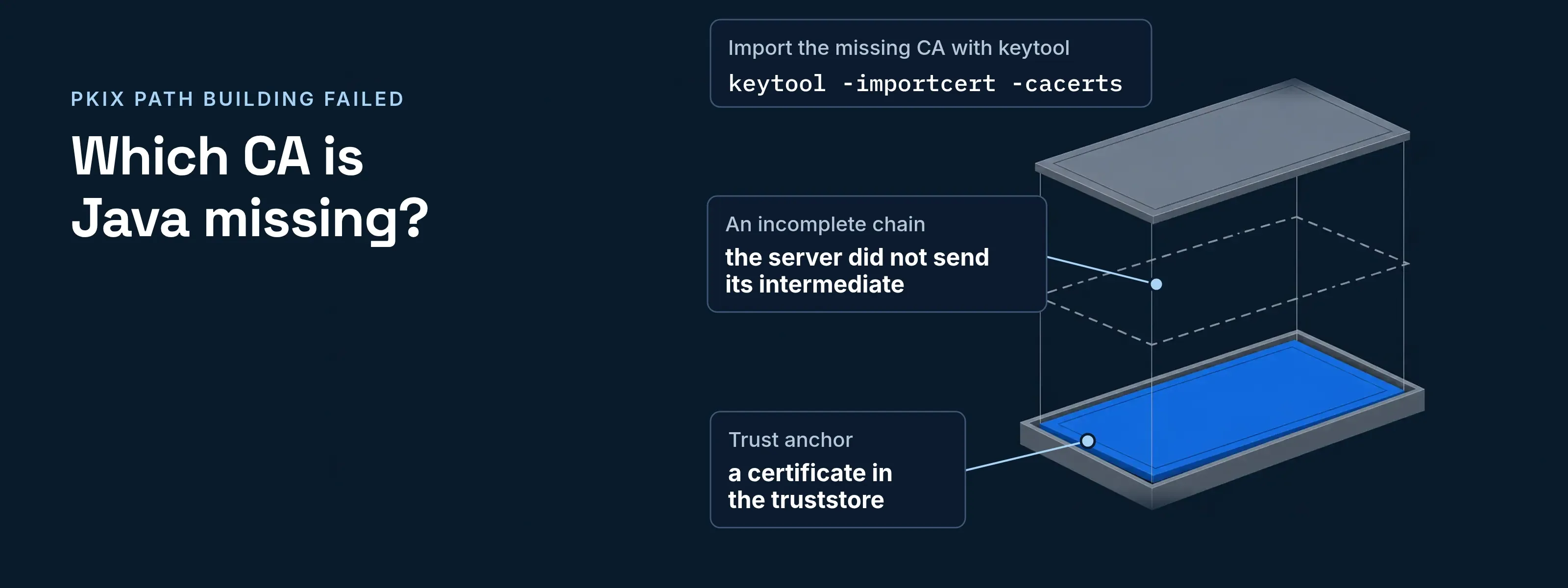
Java’s PKIX validator could not build a path from the server’s certificate to a trust anchor, which is a certificate in the truststore. The certificate is often valid. The truststore lacks the CA that issued it, or the server did not send its intermediate.
The full line is two messages joined. In the OpenJDK source (tag jdk-21-ga), PKIXValidator puts “PKIX path building failed: “ in front of the text of the underlying exception, and SunCertPathBuilder supplies that text:
sun.security.validator.ValidatorException: PKIX path building failed: sun.security.provider.certpath.SunCertPathBuilderException: unable to find valid certification path to requested targetThe message names no certificate. That is why you inspect the chain the server sends.
Four chain problems behind it
| Cause | How to tell | Fix |
|---|---|---|
| A private or internal CA | The chain ends in a self-signed root issued by your company or a vendor | Import that root into the truststore Java reads |
| An incomplete chain | The last certificate sent is not self-signed, and its issuer is not in the paste | Configure the server to send its intermediate. Android’s documentation names the same cause |
| A self-signed server certificate | One certificate, with the same subject and issuer | Import it as a stopgap, then replace it with a CA-issued certificate |
| A different truststore | The CA is trusted by some JDK, but the failing process reads another file, for example one set with -Djavax.net.ssl.trustStore |
Import into the file that process reads |
The checker also reports expired certificates and links that fail the signature check. Those need a change on the server, not an import. For handshake failures that are not about trust, such as protocol, SNI and name mismatches, see javax.net.ssl.SSLHandshakeException.
Import the missing CA with keytool
Save the CA certificate
Copy the PEM block the checker names into a file, for example
acme-root-ca.pem.Check the fingerprint
Run
keytool -printcert -file acme-root-ca.pemand compare the fingerprint with the value from the CA or your PKI team. Import only when they match.See whether Java already trusts it
Run
keytool -list -cacerts(JDK 9 and later). It prints the SHA-256 fingerprint of every entry, so search the output for the fingerprint from step 2.Import it
Run the command for your setup. Enter the store password when keytool asks. The documented initial password of cacerts is
changeit, and the keytool manual advises changing it.Verify and retry
Run
keytool -list -cacerts -alias acme-root-ca, then restart the Java process and repeat the request that failed.
keytool -importcert -cacerts -alias acme-root-ca -file acme-root-ca.pemkeytool -importcert -keystore "$JAVA_HOME/jre/lib/security/cacerts" -alias acme-root-ca -file acme-root-ca.pemkeytool -importcert -storetype PKCS12 -keystore acme-truststore.p12 -alias acme-root-ca -file acme-root-ca.pemjava -Djavax.net.ssl.trustStore=acme-truststore.p12 -Djavax.net.ssl.trustStoreType=PKCS12 -jar app.jarThe -cacerts option takes no path, so the command is the same on Linux, macOS and Windows. When javax.net.ssl.trustStore is set, Java uses that file. Only when it is not set does Java look for jssecacerts and then cacerts in the Java home. Where each store lives and how they differ is covered in Java cacerts and truststore. Other keytool commands are built by the keytool command generator.
What not to do
Your own app and SSOGEN
- Java agent. When the JVM does not trust the CA that issued SSOGEN’s certificate, set
caCertificateFileto a readable PEM file with that CA’s certificate. The default is the JVM’s trust store. See the Java agent. - SSOGEN to your directory. SSOGEN trusts the public certificate authorities by default. A Super admin or Authentication admin adds an internal CA under Settings, Certificates. See trusted certificates.
Questions people ask
How to fix pkix error?
Add the missing CA to the truststore Java reads, or make the server send its full chain. Paste the chain into the checker above to see which applies. Import the CA with keytool -importcert after checking its fingerprint, then confirm it with keytool -list. Never disable certificate validation as a shortcut.
Why does it say my certificate is invalid?
Usually the certificate is not invalid. Java cannot link it to a root it trusts. The root may be private, the server may have left out an intermediate, or the process may read a different truststore. An expired certificate is a separate fault, which the checker reports from the dates in the paste.
How to solve trust anchor for certification path not found on Android?
Android reports the same cause: the chain does not end in a CA the device trusts. Its documentation lists three reasons: an unrecognized CA, a self-signed server certificate, or a server missing an intermediate CA. For a private CA, change the app’s Network Security Config instead of using a TrustManager that accepts everything.
How do I fix this error on a Mac?
Use the same keytool command as on Linux and Windows. The -cacerts option takes no path, so run keytool -importcert -cacerts -alias acme-root-ca -file acme-root-ca.pem against the JDK your app runs on, then verify with keytool -list -cacerts. On JDK 8, name the cacerts file with -keystore, as shown above.
Sources
Sources, all read 2026-11-17:
- Oracle, keytool specification, JDK 21 and keytool reference, JDK 8:
-cacerts,-importcert,-list, thechangeitdefault. - Oracle, JSSE Reference Guide, JDK 21: default truststore lookup.
- OpenJDK, SunCertPathBuilder.java and PKIXValidator.java: the exception text.
- OpenSSL, openssl-s_client manual:
-showcerts,-servername. - Android Developers, Security with HTTPS and SSL and Network security configuration.
- SSOGEN documentation: Java agent configuration reference, section 8, and the trusted certificates guide.