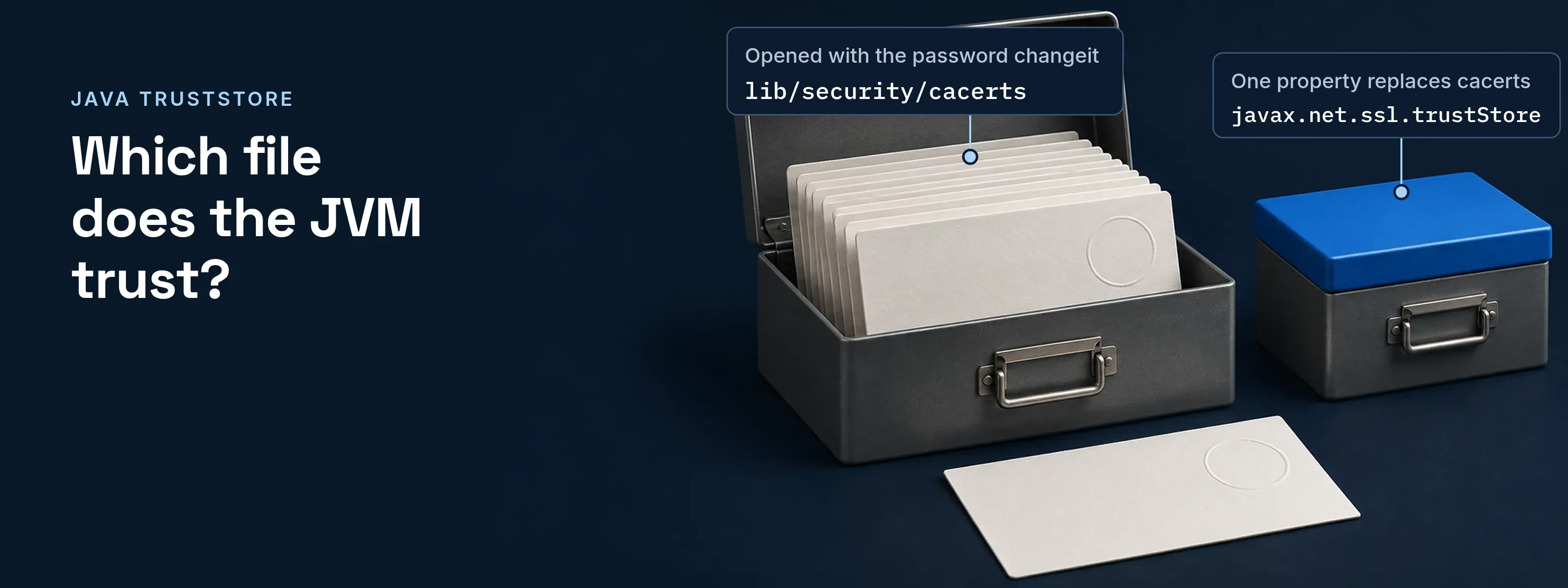
When a Java program opens an HTTPS connection, the JVM checks the server’s certificate chain against a truststore. Unless you set another one, that truststore is the cacerts file shipped with the JDK. It holds the root CA certificates the JDK trusts, and its initial store password is changeit.
cacerts location by JDK version and operating system
The path is the same relative to java.home on every operating system: lib/security/cacerts. What changes is where java.home points. In JDK 8 it is the jre folder inside the JDK; from JDK 9 it is the JDK folder itself. Linux packages and macOS installers add their own base folders.
| Install | Path of cacerts | Note |
|---|---|---|
| JDK 8, any OS | <jdk>/jre/lib/security/cacerts |
java.home is the JRE directory |
| JDK 9 and later, Linux | $JAVA_HOME/lib/security/cacerts |
The Oracle keytool manual gives this path for Linux and macOS |
| JDK 9 and later, Windows | %JAVA_HOME%\lib\security\cacerts |
Oracle installs to C:\Program Files\Java\jdk-<release>; Temurin to C:\Program Files\Eclipse Adoptium\<package> |
| macOS | lib/security/cacerts under the JDK folder |
Oracle uses /Library/Java/JavaVirtualMachines/jdk-<release>.jdk; Temurin uses temurin-<version>.jdk in the same directory |
| Debian and Ubuntu | /etc/ssl/certs/java/cacerts |
A JKS file maintained by the ca-certificates-java package; the OpenJDK package lists lib/security/cacerts in its JDK folder |
| RHEL family | /etc/pki/java/cacerts |
A symbolic link to /etc/pki/ca-trust/extracted/java/cacerts, rebuilt by update-ca-trust; on RHEL 9 with OpenJDK 21 the JDK’s own lib/security/cacerts links to it |
To print the exact base on the machine in front of you, ask the JVM:
java -XshowSettings:properties -version 2>&1 | grep java.homekeytool -list -cacertsThe -cacerts option exists from JDK 9. On JDK 8, pass -keystore <java.home>/lib/security/cacerts instead. To build other keytool commands, use the keytool command generator.
The default cacerts password is changeit
The initial store password of cacerts is changeit, and Oracle documents it in the keytool manual. It is a public default, not a secret. The JSSE reference guide describes a store password as the value used to check the integrity of the file before opening it.
- Store password.
changeiton a stock JDK. Pass it with-storepass changeit; without it, keytool prompts and warns that integrity was not verified. - Key password. Not used here. cacerts holds trusted certificate entries only, so no private key needs its own password.
- Changing it.
keytool -storepasswd -cacerts -new <new password>. Oracle advises administrators to change the password and the file permissions after installing the JDK.
A keystore holds your keys; a truststore holds other parties’ certificates
A keystore and a truststore use the same file formats. The difference is the job. The JVM reads the keystore to prove who you are and the truststore to decide whom you accept.
- Keystore. Private keys and the certificate chains that go with them. The server side of TLS needs one, and so does a client that authenticates with a certificate. Property:
javax.net.ssl.keyStore. - Truststore. Trusted certificates only, usually root and intermediate CAs. The side that verifies its peer needs one. cacerts is the default. Property:
javax.net.ssl.trustStore.
Any keystore file can be opened and inspected with the Java keystore viewer, which also explains why JKS is a legacy format.
One property replaces cacerts; it does not add to it
The JSSE reference guide defines the lookup order for the default truststore. The first match wins, and the JVM never merges two files.
- The file named by
javax.net.ssl.trustStore, if the property is set. <java.home>/lib/security/jssecacerts, if it exists.<java.home>/lib/security/cacerts.
If the property names a file that does not exist, the JVM uses an empty truststore, and every verification fails.
java \ -Djavax.net.ssl.trustStore=/opt/acme/conf/truststore.jks \ -Djavax.net.ssl.trustStorePassword=changeit \ -Djavax.net.ssl.keyStore=/opt/acme/conf/keystore.p12 \ -Djavax.net.ssl.keyStorePassword=changeit \ -jar acme-app.jarjavax.net.ssl.trustStoreType defaults to KeyStore.getDefaultType(), and JDK 9 and later detect JKS and PKCS12 files by their content, so the type flag is rarely needed.
An imported certificate disappears when the JDK is replaced
A JDK ships with its own cacerts, so a certificate added to the JDK’s file lives only as long as that install. A new JDK, a rebuilt container image or a regenerated system bundle gives the JVM a file without your import.
Before: the import goes into the JDK’s file. keytool -importcert -cacerts changes the file inside the install folder. On the RHEL family that file is generated by update-ca-trust, and a new JDK folder brings a fresh copy. The next handshake to your internal service fails with a PKIX path building error.
After: the import goes into your own file. Copy cacerts to the application’s configuration folder, add the certificate there, and start the JVM with -Djavax.net.ssl.trustStore. The file survives JDK updates. Refresh the copy when you move to a new JDK so it picks up that JDK’s CA list.
The copy and the import take two commands, tested here against OpenJDK 21:
cp "$JAVA_HOME/lib/security/cacerts" /opt/acme/conf/truststore.jkschmod u+w /opt/acme/conf/truststore.jkskeytool -importcert -alias acme-root -file acme-root.pem \ -keystore /opt/acme/conf/truststore.jks -storepass changeit -nopromptOn a RHEL-family system, a certificate meant for every Java and non-Java program belongs under /etc/pki/ca-trust/source/, followed by update-ca-trust.
Questions people ask
How to view certificate details?
List a store with keytool -list -cacerts. Add -v -alias <name> for the owner, issuer, validity dates and fingerprints of one entry. For a certificate file, use keytool -printcert -file cert.pem, or paste the PEM into the browser-based certificate decoder.
What is the default password of cacerts?
It is changeit on a stock JDK. Oracle documents it in the keytool manual, and it is a public default, not a secret. Pass it with -storepass changeit, or let keytool prompt. Change it with keytool -storepasswd -cacerts and set stricter file permissions on the JDK install.
What is the purpose of truststore?
A truststore holds the certificates a Java program accepts when it verifies the other side of a TLS connection. The JVM must build a path from the server’s chain to an entry in the truststore, or the handshake fails. Without configuration, that truststore is cacerts.
Where to go next
If the failure is not a missing CA, the other four handshake causes are in javax.net.ssl.SSLHandshakeException. To read what a certificate says, use the certificate decoder.
The same truststore decides whether a Java application trusts an LDAPS directory; see Spring Security LDAP authentication in Java.
The default entries are root CA certificates; what a CA checks before it signs explains why those roots are trusted.
When the SSOGEN Java agent connects to SSOGEN over HTTPS, the same truststore rules apply. Set caCertificateFile when the JVM does not trust the issuing CA; see the Java agent.
Sources, all read 2026-11-17:
- Oracle, keytool in JDK 21 and in JDK 8.
- Oracle, JSSE Reference Guide for JDK 21 and JDK 8.
- Oracle, java command; JEP 229.
- Oracle JDK installation guides for macOS and Windows.
- Adoptium installation guides for macOS and Windows.
- Debian, ca-certificates-java README and the openjdk-21-jre-headless file list.
- update-ca-trust manual.
Commands checked on RHEL 9 with OpenJDK 21.
Updated