SSOGEN / What sets SSOGEN apart
SSOGEN
What sets SSOGEN apart
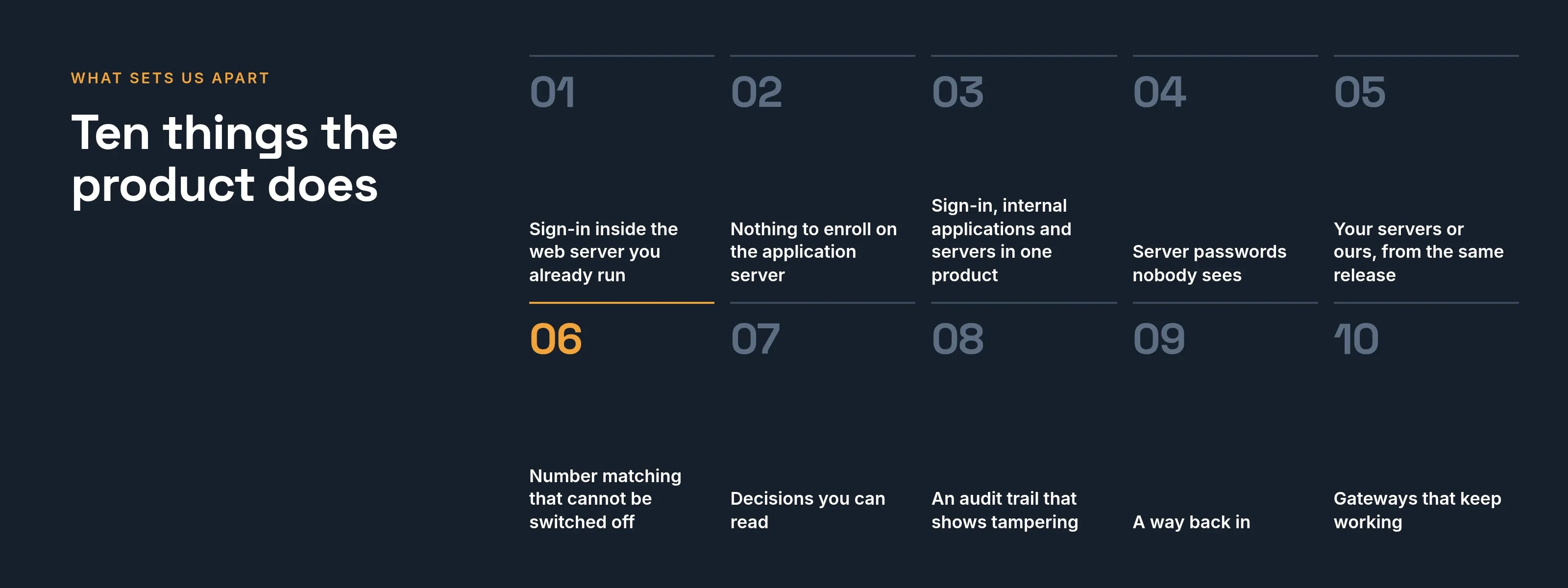
Sign-in inside Apache, nothing to enroll, server passwords nobody sees, and number matching no setting can turn off, all in one release.
1. Sign-in inside the web server you already run
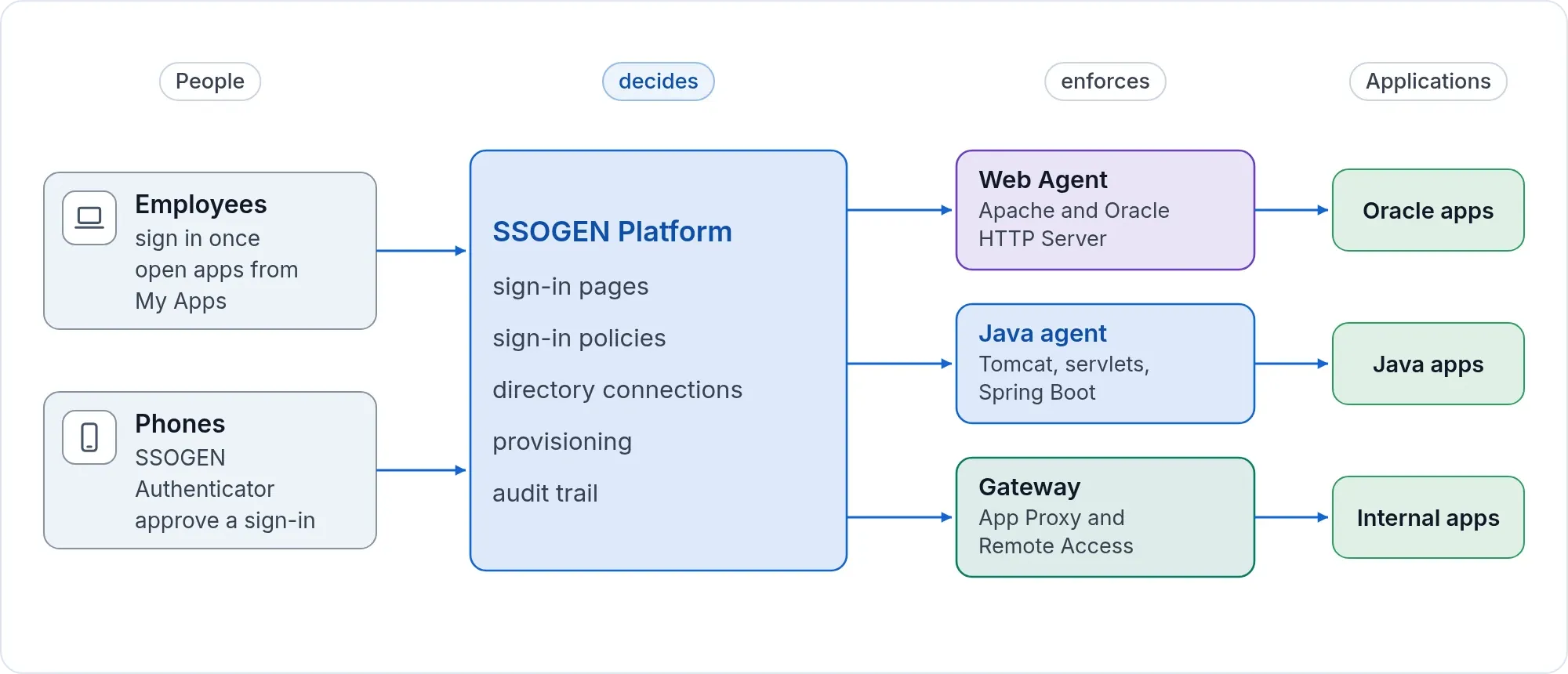
The SSOGEN Web Agent is a module for Apache 2.2, Apache 2.4 and Oracle HTTP Server. It checks the sign-in inside the web server and hands the application the user in the form it already reads. Packages for Oracle E-Business Suite 12.1 and 12.2, PeopleSoft and JD Edwards generate the web-tier configuration; the E-Business Suite package also sets the EBS sign-in profile options. Many identity vendors reach these applications through a separate gateway appliance in front of them instead.
2. Nothing to enroll on the application server
The administrator registers the application in the console. The console produces a short configuration block with a key for that one application, shown once. The application team pastes it into the web server and restarts. They hold no SSOGEN account, run no enrollment command and never touch a certificate authority. To replace the key, generate a new one on the same page.
3. Sign-in, internal applications and servers in one product
The same console, policy and audit trail cover SAML and OpenID Connect applications, Oracle applications, internal web applications published through the App Proxy, and SSH, RDP and VNC servers opened in the browser through Remote Access. Every way in passes the same check: is this person assigned, and does the policy allow it? See access without a VPN.
4. Server passwords nobody sees
A server can hold a stored account: a generated key, an uploaded key or a password. The console lets you write it and never shows it back. It is released for one session after access is checked again, and the person never sees it. The Gateway uses it only with a host whose identity an administrator has paired and compared; nothing is trusted on first use.
5. Your servers or ours, from the same release
SSOGEN installs from one archive on Red Hat Enterprise Linux, Oracle Linux, Rocky Linux, AlmaLinux or CentOS Stream, with a guided installer that checks, plans and applies. Your data, your signing keys and your audit trail stay on your servers. The same release runs as an organization SSOGEN hosts, with its own address, its own signing key and its own data.
6. Number matching that cannot be switched off
Every push approval asks the person to tap the number the sign-in page shows, then confirm with face or fingerprint. No setting turns number matching off. The notification itself carries nothing that could approve a sign-in: no name, no application, no number. See the SSOGEN Authenticator.
7. Decisions you can read
Access is decided by sign-in policies and assignments your administrators wrote, never by an AI model. The What if screen shows which policy applies to a person and an application, and names each reason, before anyone tries to sign in.
8. An audit trail that shows tampering
Every sign-in, administrative change and server session is linked to the one before it and sealed with a keyed digest each day. SSOGEN checks the whole chain every night, and an administrator can run the full check from the console at any time. Older events are archived, read back and checked against their hashes before anything is removed.
9. A way back in
The console refuses a change that would lock out the last administrator who can sign in. If the worst happens anyway, a recovery command on the server restores an administrator’s access, records it in the audit trail and keeps a warning in the console until a Super admin decides. See admin safety and break-glass.
10. Gateways that keep working
Each Gateway receives a signed configuration from SSOGEN and checks it before applying it. If it cannot fetch or apply a new one, it keeps running on the last good configuration, so a temporary fault does not take your internal applications down. The identity security page covers the rest of the design.
See it on your own applications
Send us your application list. We tell you how each one connects to SSOGEN, and which are straightforward, before you commit to anything.
Oracle, E-Business Suite, PeopleSoft and JD Edwards are trademarks of Oracle and its affiliates. SSOGEN is an Oracle partner, but Oracle has not reviewed or endorsed this page.