SSOGEN / Learn / What Is Quishing: QR Code Phishing and Why a Passkey Still Holds
Learn
What Is Quishing: QR Code Phishing and Why a Passkey Still Holds
Phishing with the link hidden in a QR code is called quishing: the victim opens the link on a phone instead of the computer where the email filter checks links.
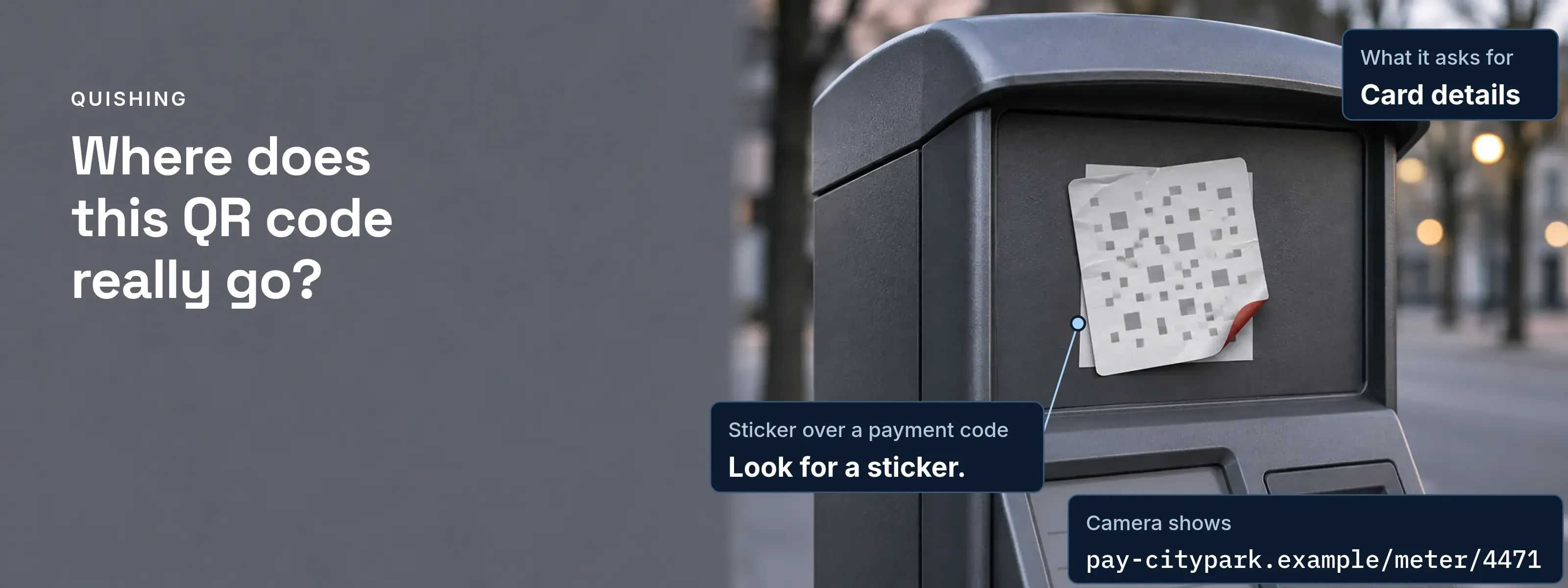
The FBI’s FLASH of January 8, 2026, states the goal: the QR code forces the victim “to pivot from their corporate endpoint to a mobile device.” The code arrives as an image, so URL inspection, rewriting and sandboxing never see a link. Quishing is one of the types of phishing, and two habits defeat its credential theft: read the address before you tap, and sign in with a passkey.
Read the address before you tap
Your phone shows the decoded link and opens nothing until you tap. iPhone puts it at the bottom of the camera screen; Pixel shows a bubble or link.
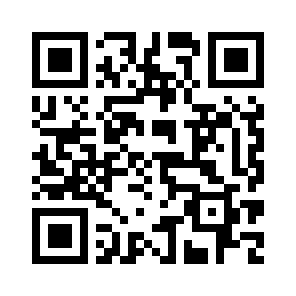
.example top-level domain is reserved by RFC 2606, so the tap goes nowhere.- Scheme:
https. Encryption to whatever host follows, not proof of who runs it. - Host:
login-acme.example. The name your phone will contact. Read it from the right. - Registrable domain:
login-acme.example. Whoever bought this name owns it. Acme’s real sign-in page would belogin.acme.example, underacme.example. - Path:
/mfa/re-enroll. Free text that sounds like an MFA task. It proves nothing.
Four lures, each from a dated advisory
Each lure comes from a US agency warning. The hosts in the fourth column are rewritten as .example.
| Lure | Where it appears | What it asks for | Camera shows | Source |
|---|---|---|---|---|
Sticker over a payment code |
Parking meters, public payment points |
Card details |
pay-citypark.example/ |
FTC alert, December 6, 2023; FBI PSA, January 18, 2022 |
Sign-in or document email |
A QR attachment or embedded image |
Microsoft 365, Okta, Google or VPN credentials on a mobile page |
login-acme.example/ |
FBI FLASH, January 8, 2026 (Kimsuky, May and June 2025) |
“Payment failed” email |
Mail that names a recent purchase |
A payment that supposedly works only through the QR code |
acme-billing.example/ |
FBI PSA, January 18, 2022 |
Parcel with no sender |
Unsolicited packages, a brushing-scam variant |
Personal and financial details, or a data-stealing app |
parcel-claim.example/ |
FBI PSA, July 31, 2025 |
Why email filters miss the link
The link is pixels, not text, and the phone that decodes it is often unmanaged. The FBI maps a campaign to MITRE ATT&CK in seven phases:
- Email delivery with QR image: T1660, T1566.002. No clickable URL reaches the gateway’s scanner.
- Mobile fingerprinting: T1598, T1589. Redirectors read user agent, OS, IP address, locale and screen size.
- Credential harvesting page: T1056.003. A mobile sign-in page imitates a known service.
- Session token theft: T1550.004. The attacker keeps the token the real service issues.
- MFA bypass: T1550.004. The replayed token needs no second factor, so no “MFA failed” alert fires.
- Account persistence: T1098. The attacker changes the account to keep access.
- Lateral phishing: T1566. New phishing leaves from the victim’s mailbox.
Phases four and five lose the account; session hijacking shows how a stolen token is replayed and spotted.
Why a passkey still holds after the scan
The fake page collects whatever a person types or approves, but it cannot make the browser sign for a domain it does not own.
Password and code: relayed. The fake page forwards both to the real sign-in at once and keeps the session. Number matching fails the same way, because the relay shows the real number. The relay is drawn step by step in adversary-in-the-middle phishing.
Passkey: nothing to sign. The passkey is scoped to the relying party ID acme.example. The browser refuses a relying party ID that is neither the page’s domain nor a registrable suffix of it, so login-acme.example cannot ask for Acme’s passkey. The server must also reject an unexpected origin (WebAuthn Level 3, sections 5.1.4.1 and 13.4.9).
Passkeys use a QR code too, and the standard builds it against quishing. To sign in on a laptop with your phone’s passkey, the laptop shows a code that starts with FIDO:/. The phone then demands a Bluetooth Low Energy advertisement from that laptop as proof of proximity. A site that shows the code to a remote victim would need “a Bluetooth radio near to the victim” (CTAP 2.2, section 11.5.1).
Checks before you tap, and after
For the person holding the phone
- Read the host the camera shows. A lookalike often differs by a typo or one misplaced letter.
- Look for a sticker. On a physical code, check that nothing covers the original.
- Type the address you know. Pay or sign in through a URL you enter, not the scanned page.
- Install nothing from a QR code. Use the app store. The camera already reads codes, so a scanner app only adds risk.
- Confirm with the sender. Use a number or address you already have.
For the security team
- Train for QR lures. Cover urgent calls to action and impersonated senders, in mail and packaging as well as email.
- Give one way to report a code. Staff should know where a suspicious QR code goes.
- Inspect QR-linked URLs on phones. Use mobile device management or endpoint tools that analyze the link before the page opens.
- Require phishing-resistant MFA. The FBI asks for it on all remote access and sensitive systems.
- Watch sign-ins after a scan. Log credential entry and network activity that follow a QR scan.
Where SSOGEN shows its own QR codes
SSOGEN shows its setup QR codes inside My Account, after sign-in.
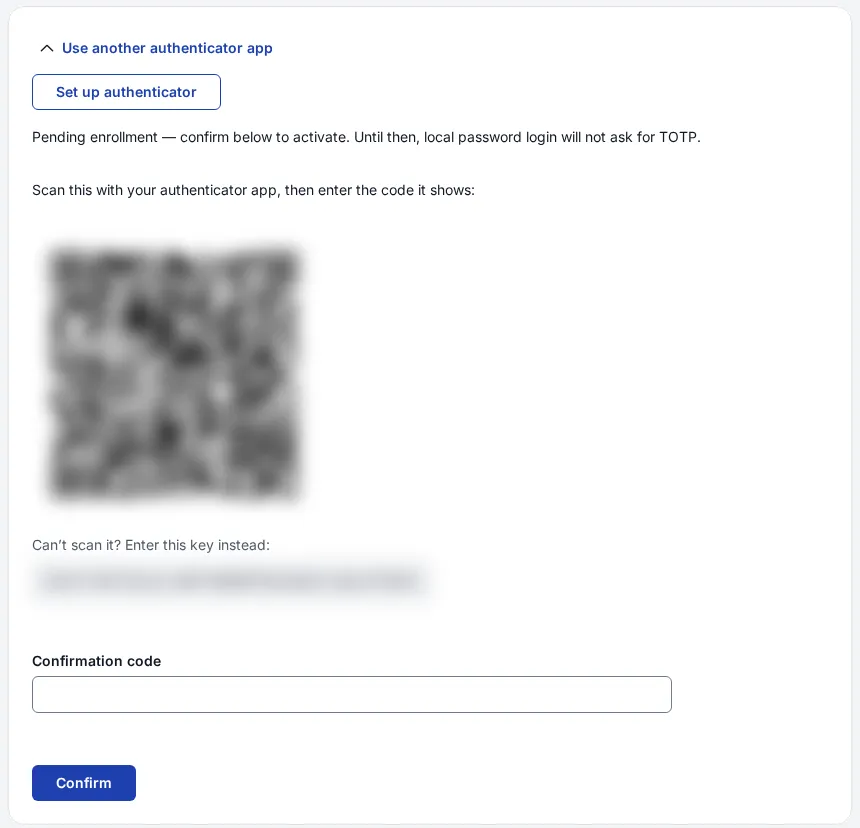
- Foreign codes. SSOGEN Authenticator rejects any code that is not an SSOGEN pairing or authenticator setup code: “This QR code is not for SSOGEN Authenticator.”
- Passkey policy. A passkey counts as both factors, and a sign-in policy can require Passkey or security key only.
- Change alerts. SSOGEN emails the account owner when a sign-in method is added or removed, once outgoing email is set up. See the multi-factor authentication guide.
Questions people ask
What is the main risk of QR code attacks?
The main risk is account takeover that starts on a phone your security tools cannot see. The FBI reports that quishing campaigns often end in session token theft and replay, which bypasses MFA without an “MFA failed” alert. The attacker then keeps access and sends new phishing from the victim’s mailbox.
How to check scammer QR code?
Check a suspected scammer QR code by reading the host your camera shows before you tap. Compare the registrable domain, the name and its top-level domain, for example acme.example, with the company you expect. On a poster or meter, look for a sticker over the original. When in doubt, type the company’s known address yourself.
How to tell if a QR code is a virus?
A QR code cannot be a virus; it only holds data, usually a link. The risk is where the link leads: a credential page, a payment form or an app download. You can tell from the host: if you do not recognize it, or the page asks for an install, close it. Install apps only from the app store (FBI).
I scanned a QR code and signed in. What now?
Change your password from an address you type yourself, then sign out every other session. A password change alone leaves a stolen session token working. Check your sign-in methods and mailbox rules for anything you did not add, and report the code to your security team with a photo or the original email.
Sources, all read 2026-11-18: FBI FLASH AC-000001-MW, January 8, 2026, FBI PSA I-011822-PSA, January 18, 2022, FBI PSA I-073125-PSA, July 31, 2025, FTC consumer alert, December 6, 2023, Apple iPhone User Guide: scan a QR code, Google Pixel Camera Help: scan QR codes, W3C WebAuthn Level 3, August 25, 2026 (sections 5.1.4.1 and 13.4.9), FIDO Alliance CTAP 2.2, July 14, 2025 (section 11.5.1), RFC 2606 (section 2).
Updated