SSOGEN / Learn / Types of Phishing: Eight Attacks, Sorted by What They Steal
Learn
Types of Phishing: Eight Attacks, Sorted by What They Steal
Eight attacks make up the common types of phishing: deceptive bulk email, spear phishing, clone phishing, smishing, quishing, vishing, business email compromise (BEC) and whaling. Each one is after a sign-in, a live approval or a payment, and that goal, not the channel, picks the control: passkeys end the first group, and payments need a call-back rule.
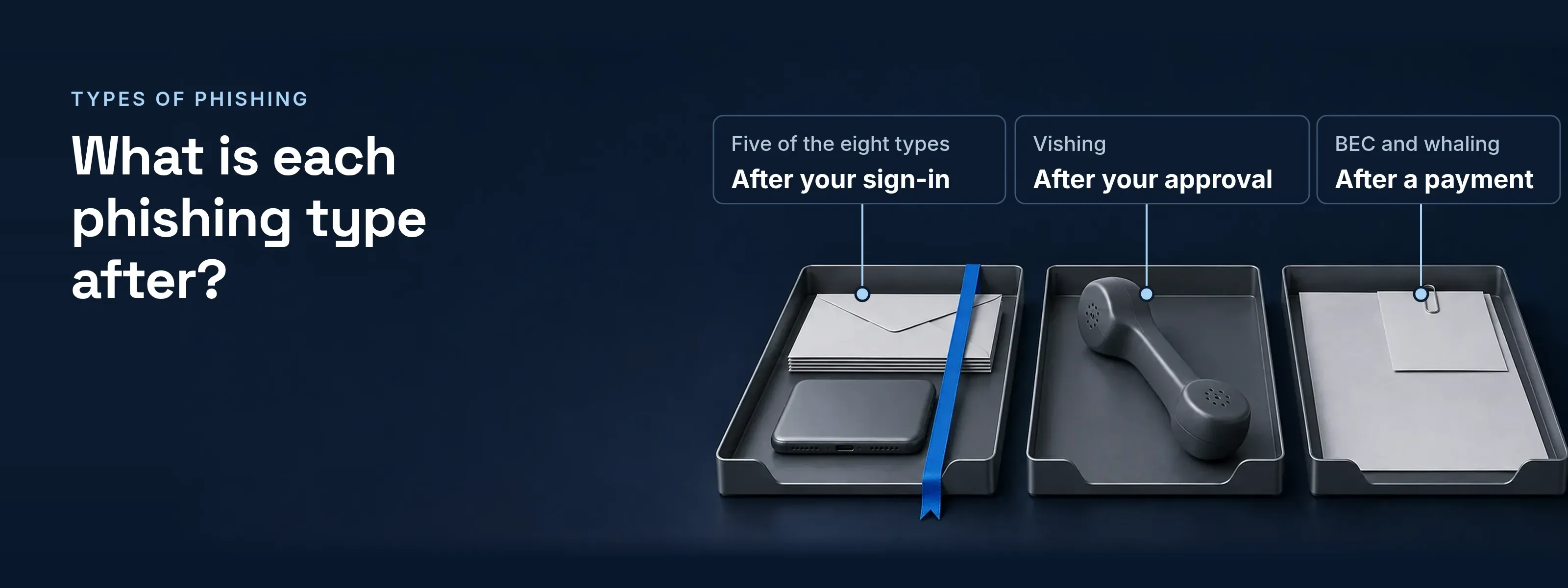
Five of the eight types end at a fake sign-in page, one at a live approval and two at a payment request. The FBI counted 191,561 phishing complaints in 2025, more than for any other crime type.
Eight types in three lanes
Sort the types of phishing by what the attacker wants, and eight topics become three decisions. Each row gives the channel, one tell to check and the control that ends the attack.
After your sign-in
These five lures end at a fake sign-in page that collects a password and a one-time code.
| Type | Arrives by | The tell | What stops it |
|---|---|---|---|
Deceptive bulk email |
One message to thousands, dressed as a bank, a parcel firm or IT |
The link’s real host differs from the brand named in the text |
A passkey, which the browser offers only to the real host |
Spear phishing |
Email written for one person, using names, projects or suppliers found online |
A request that fits your work, from an address you have never replied to |
A passkey; the forged page gets nothing it can replay |
Clone phishing |
A copy of a message you already received, with the link or attachment swapped |
A “resent” or “updated” version of mail already in your inbox |
A passkey, and a check against the original in the thread |
Smishing |
A text about a parcel, a toll, a bank or an MFA reset; see how smishing lures work |
A short link and a deadline in the same message |
A passkey on the phone, and never sign in from a link in a text |
Quishing |
A QR code in an email, a PDF, a poster or an unsolicited parcel (FBI warning, July 31, 2025) |
A QR code where a normal message would carry a link; see how a QR code lure skips URL checks |
A passkey; the phone holds none for the fake host |
After your approval
The attacker already has the password and needs you to finish the sign-in while they wait.
| Type | Arrives by | The tell | What stops it |
|---|---|---|---|
Vishing |
A call from “IT support” or “the bank’s fraud team”, often after a text; see how vishing pretexts work |
The caller asks for the code you just received, or asks you to approve a prompt |
A passkey: no code to read out, no prompt to approve, and a call-back before any help-desk reset. Number matching stops blind taps, not a caller who reads you the number |
After a payment
No sign-in is needed here. The message asks a person to move money or change bank details.
| Type | Arrives by | The tell | What stops it |
|---|---|---|---|
Business email compromise |
Email from a compromised or lookalike supplier or colleague account; IC3 also lists phone numbers and meeting apps |
New bank details on an invoice, or a Reply-To domain that differs from the From domain |
A call-back to a number already on file, and a second approver for bank-detail changes |
Whaling |
Spear phishing aimed at an executive, or written in an executive’s name |
An urgent request from “the CFO” to pay outside the normal process |
The same call-back rule; no executive request skips the approval path |
Reading the tell in a message header
Three header fields show a spoofed sender before anyone clicks: the display name, Reply-To and the DMARC result.
From: "Dana Whitfield, CFO" <dana.whitfield@acme.example>Reply-To: dana.whitfield@acme-finance.exampleTo: accounts.payable@acme.exampleSubject: Wire before 3 pm today, confidentialAuthentication-Results: mx.acme.example; spf=pass smtp.mailfrom=bulk-mailer.example; dkim=none; dmarc=fail header.from=acme.example- From. The name and address both say Acme. RFC 7489 notes that most mail clients show the display name, not the address, and that display-name attacks sit outside DMARC.
- Reply-To. A reply goes to
acme-finance.example, a lookalike the attacker registered. This is the tell in the BEC row above. - dmarc=fail. SPF passed, but for
bulk-mailer.example. DMARC needs an SPF or DKIM pass aligned with the From domain, so it fails. A lookalike From domain with its own records passes DMARC; then the domain name itself is the tell.
Which type of phishing costs the most?
Business email compromise. The FBI IC3 2025 report puts BEC losses at $3,046,598,558, about 14 times the $215,843,126 lost to phishing and spoofing. Phishing and spoofing drew more complaints than any other crime type. The most reported lane is not the most costly one.
| FBI IC3 2025 crime type | Complaints | Reported losses |
|---|---|---|
| Phishing/spoofing | 191,561, the most of any crime type | $215,843,126 |
| Business email compromise | 24,768 | $3,046,598,558 |
The BEC money rarely moves by wire alone: in Fortra data published in the APWG Q2 2026 report, gift cards made up 54 percent of BEC cash-out requests and wire transfers 17 percent.
- Call back on a number already on file. Never on a number in the message or its signature.
- Two people for bank-detail changes. One requests the change; a second approves it after the call-back.
- Phishing-resistant MFA on mailboxes. It stops the credential phishing that hands an attacker a real colleague’s mailbox to send from.
After the click: two techniques that beat weaker MFA
Typed codes and push approvals fail when the attacker works in real time.
- Adversary-in-the-middle. A proxy sits between the person and the real site. It passes the password and the code through, then keeps the session cookie. See how an AiTM proxy relays a sign-in.
- MFA fatigue. The attacker holds the password and sends push requests until someone taps Approve. See how push bombing works and what limits it.
Why passkeys end the first lane
A passkey is bound to the real site, and there is nothing to type or read out.
- Bound to the site. The browser tells the authenticator which site is asking. A passkey made for
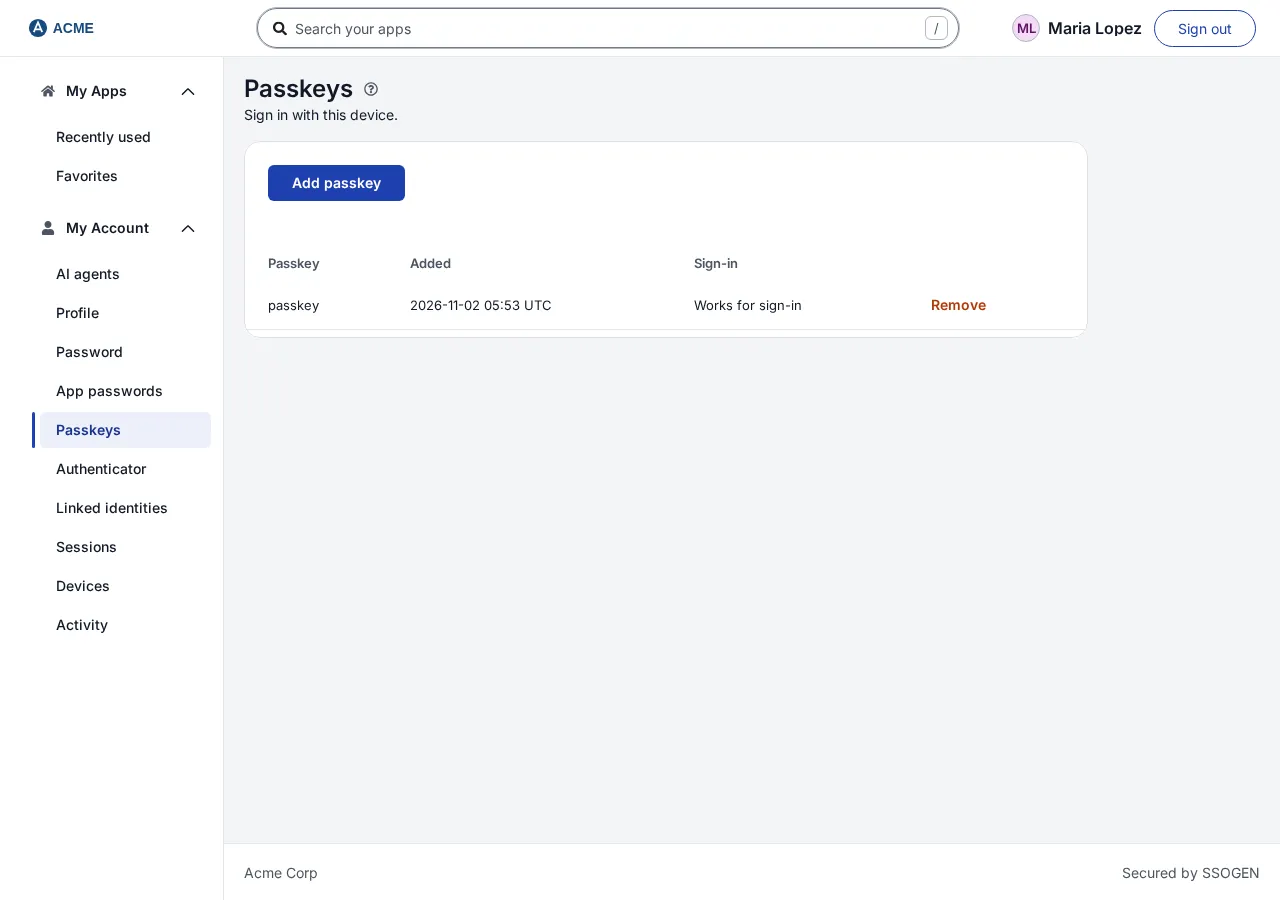
acme.exampleis never offered toacme-login.example. CISA calls FIDO/WebAuthn “the only widely available phishing-resistant authentication” (October 2022). - Nothing to type. In SSOGEN, a passkey sits on the person’s device, and the person confirms it with a PIN, fingerprint or face. It counts as both factors, so no code follows it.
- Required by policy. A sign-in policy set to Passkey or security key only accepts nothing else, and the Passkey only starting point creates one in a single step. See require passkeys in a sign-in policy.
- Number matching, for what it covers. SSOGEN phone approval always uses number matching, which stops a tap on a request the person did not start. A relayed sign-in shows the same number, so passkeys are the phishing-resistant choice.
For the methods that qualify and a rollout order, read what counts as phishing-resistant MFA.
Questions people ask
What is smishing and vishing?
Smishing is phishing by text message; vishing is phishing by voice call. A smishing text usually links to a fake sign-in or payment page. A vishing caller poses as IT or a bank and asks for a code or approval. APWG, citing Crane Authentication, reports smishing up 40 percent and vishing up 20 percent from Q1 to Q2 2026.
What is the difference between spear phishing and whaling?
Whaling is spear phishing aimed at a senior executive, or written in one’s name. Both are researched and personal. The goal differs: spear phishing usually wants a sign-in, so passkeys end it. Whaling usually wants a payment or a confidential file, which no sign-in control stops; a call-back rule and a second approver do.
Does MFA stop phishing?
Passkeys and other FIDO/WebAuthn methods stop credential phishing; codes and push approvals do not. A fake page relays a typed code within seconds, and a caller can talk a person through an approval. CISA names FIDO/WebAuthn the only widely available phishing-resistant option. No MFA method stops a payment request that needs no sign-in.
Are angler phishing and evil twin Wi-Fi types of phishing?
Yes, and both end at a fake sign-in page, so they belong in the first lane. Angler phishing sends people there from fake customer-support accounts on social media. An evil twin is a rogue Wi-Fi access point with a trusted network name and its own login portal. Neither host is the real site, so neither is offered a passkey.
Sources, all read 2026-11-18: FBI IC3 2025 Internet Crime Report (crime types, three-year tables, glossary); APWG Phishing Activity Trends Report, Q2 2026 (published August 28, 2026); FBI PSA I-073125-PSA, unsolicited packages with QR codes (July 31, 2025); CISA, Implementing Phishing-Resistant MFA (October 2022); RFC 8601 (Authentication-Results); RFC 7489 (DMARC, sections 11.1 and 12.4); RFC 2606 (reserved .example names).
Updated