SSOGEN / SSO integration: the applications that sign in through SSOGEN
SSOGEN
SSO integration: the applications that sign in through SSOGEN
SAML and OpenID Connect apps, apps behind Apache or Oracle HTTP Server, and apps with only a login page each have a route.
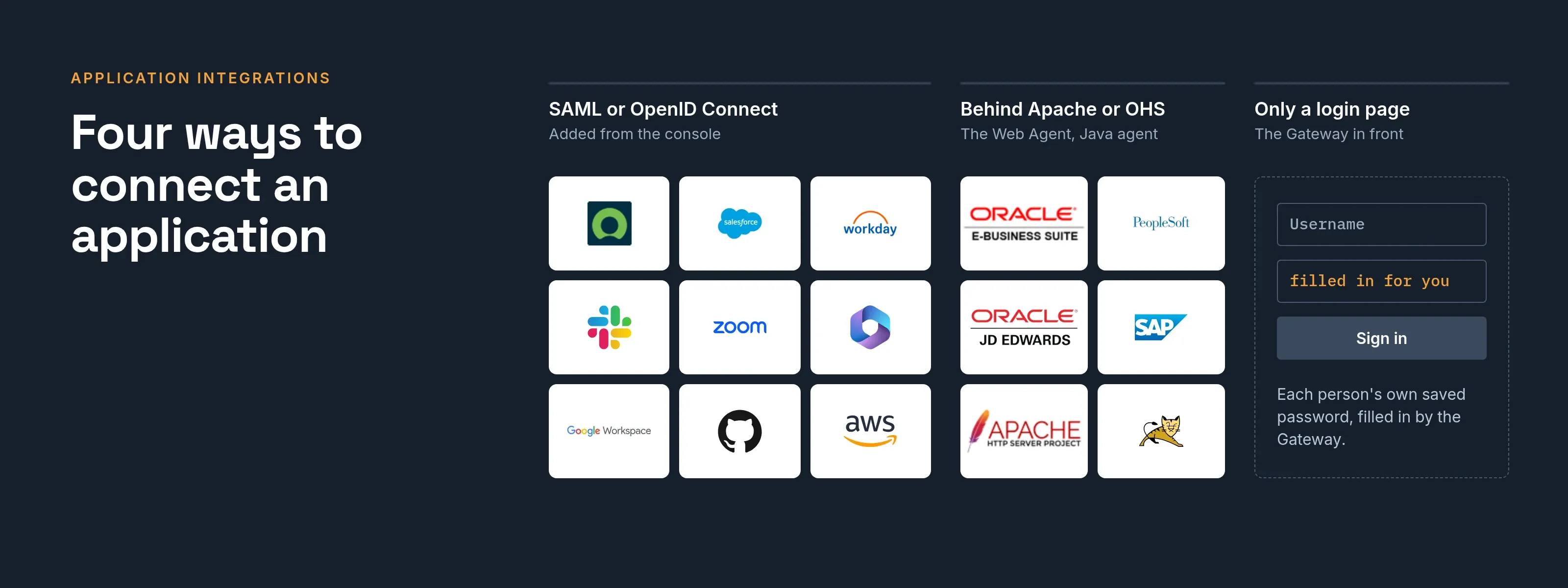
Four ways to connect an application
The SSO integration you choose decides what the console asks next. Ask the questions in order and stop at the first yes.
| Way | Use it when | What you install |
|---|---|---|
| SAML | The application has a single sign-on or SAML setting. Most SaaS products. | Nothing |
| OpenID Connect | The application asks for a client ID, a secret or an issuer URL. Modern web, single-page and mobile apps, and APIs. | Nothing |
| Web Agent | The application runs behind Apache or Oracle HTTP Server and speaks neither protocol. | A module on your web server |
| App Proxy | The application sits on a private network and nothing may run next to it. | The SSOGEN Gateway in your network |
The guide to choosing a connection compares SAML and OpenID Connect in detail.
Applications that sign in with SAML or OIDC
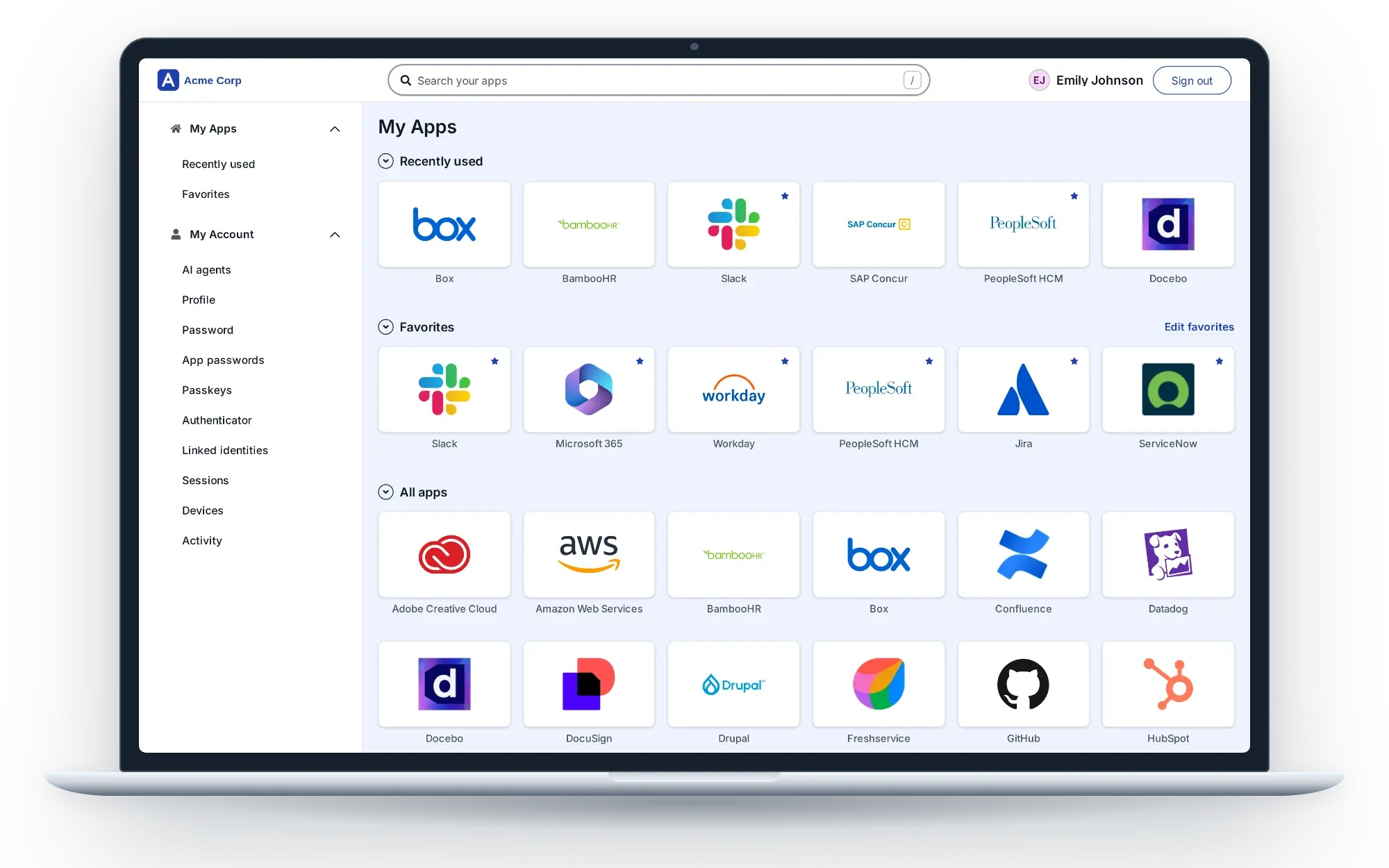
Cloud and SaaS applications are added from the console with the same short steps. Each listed application has its own page with the values it asks for.
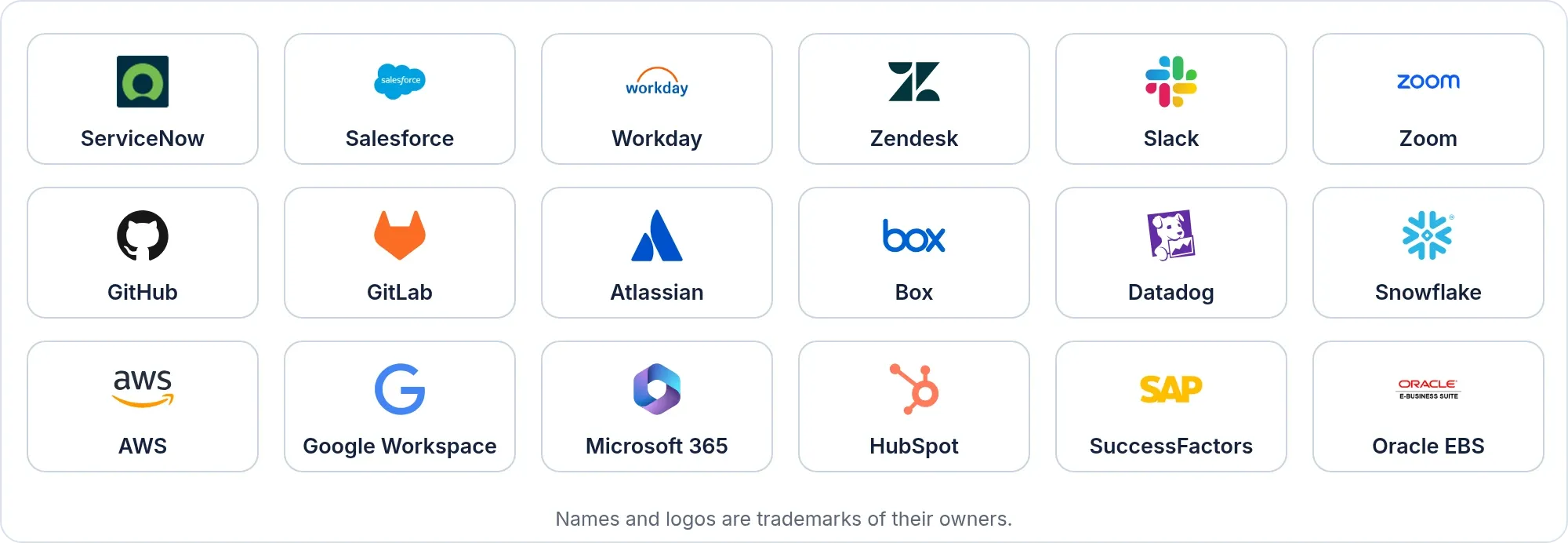
See the applications index: ServiceNow, Salesforce, Workday, Slack, Zoom, Microsoft 365, Google Workspace, GitHub, AWS and more. An application that is not listed is added with the shared steps for a custom SAML application or a custom OpenID Connect application.
In the console, the App Gallery lists 105 application and ERP entries that start the registration with the name, icon and protocol in place.
Applications behind Apache or Oracle HTTP Server
A module in the web server, the Web Agent, signs people in and passes the user to the application. The application needs no code change. Oracle products come as one tool per product:
All Oracle ERP pages: Oracle ERP single sign-on. The same module serves other applications behind Apache. A Java agent serves Java applications on Tomcat and Spring Boot.
SAP
SAP SuccessFactors signs in with SAML: SAP SuccessFactors. SAP NetWeaver Portal behind Apache signs in through the Web Agent: see legacy and on-premise applications.
Applications that cannot change or host anything
The SSOGEN Gateway publishes an internal application with sign-in and policy in front. It can also fill in a login page with each person’s own saved password. See the gateway and access without a VPN.
The same steps for every application
Registering an application uses one wizard with eight steps. Only the connection step changes with the way you chose.
- General: name, slug, Application ID, category and My Apps icon.
- Access mode: SAML, OpenID Connect, Web Agent or App Proxy.
- Connection: the details for that way.
- Sign-in policy: the named policy that decides how people sign in.
- Identity sent to app: the attribute that names the person, plus any extras.
- Launch: the address My Apps opens.
- Try it: a dry run that shows what the application would receive. Nobody is signed in.
- Review and activate: the last check and the activate button.
In all four ways, you decide who may open the application and how strongly they must sign in, in the same place. See assign, test and activate an application.
Not on a page yet
Tell us the application. We will map it to one of these ways in. Talk to us.